How to Ask a Clear Personalization Question Before Ordering
Ask a clear personalization question by naming the product, option, field, exact requested text, observed problem, and decision deadline without assumptions.
To ask a clear personalization question before ordering, include the exact product name or SKU, intended format, selected count, field label, requested text or option, and what the page currently shows. Add a screenshot when it clarifies the issue and state your decision date without demanding a particular response time. Ask one answerable question at a time.
Identify the exact product and configuration
Begin with the product name and SKU when visible. Then name the format, size, or person count you intend to select. “Can I customize this bracelet?” is too broad when a product also offers keyring formats and several counts.
A clearer opening is: “I am considering the Family Branch Birthstone Bangle, SKU AM-BR-201, in the round-keyring format for three loved ones.” This tells support which fields and capacity apply.
Copy the current product link into the message. Do not rely on an image alone, because several designs may use similar family motifs.
Include the date you viewed the page when the option may change. This gives the question a clear snapshot without asserting that the same field will remain available indefinitely.
Name the field and exact requested value
Quote the field label as displayed, such as Format, Name, Birthstone Month, Ring Size, Accent, or Special Note. Then provide the exact value or text you are considering.
For punctuation, preserve capitalization and spacing. For a count question, state the complete number of people. For a message, show the exact wording rather than describing it as “a short quote.” Avoid sending sensitive personal information that the form does not request.
The personalization overview can help distinguish required fields from an optional note before you write.
Describe what you observed without assuming the answer
State the current behavior: “The form shows one to five leaves,” “I do not see a month selector on this product,” or “The field does not accept the apostrophe in this name.” Then ask whether the exact intended configuration is supported.
Do not write the message as an instruction to add an absent field. A Special Note is not a universal override. The answer may be that the configuration is outside the product’s current options, and that information is useful before ordering.
A screenshot can show the relevant selector and observed message. Crop out payment, address, and other unnecessary private information.
State what outcome changes your decision. “If the apostrophe is unsupported, I will use the approved short form” is more actionable than “please make it work.” Do not offer an alternative that the person whose name is involved has not approved.
Use the Family Branch example accurately
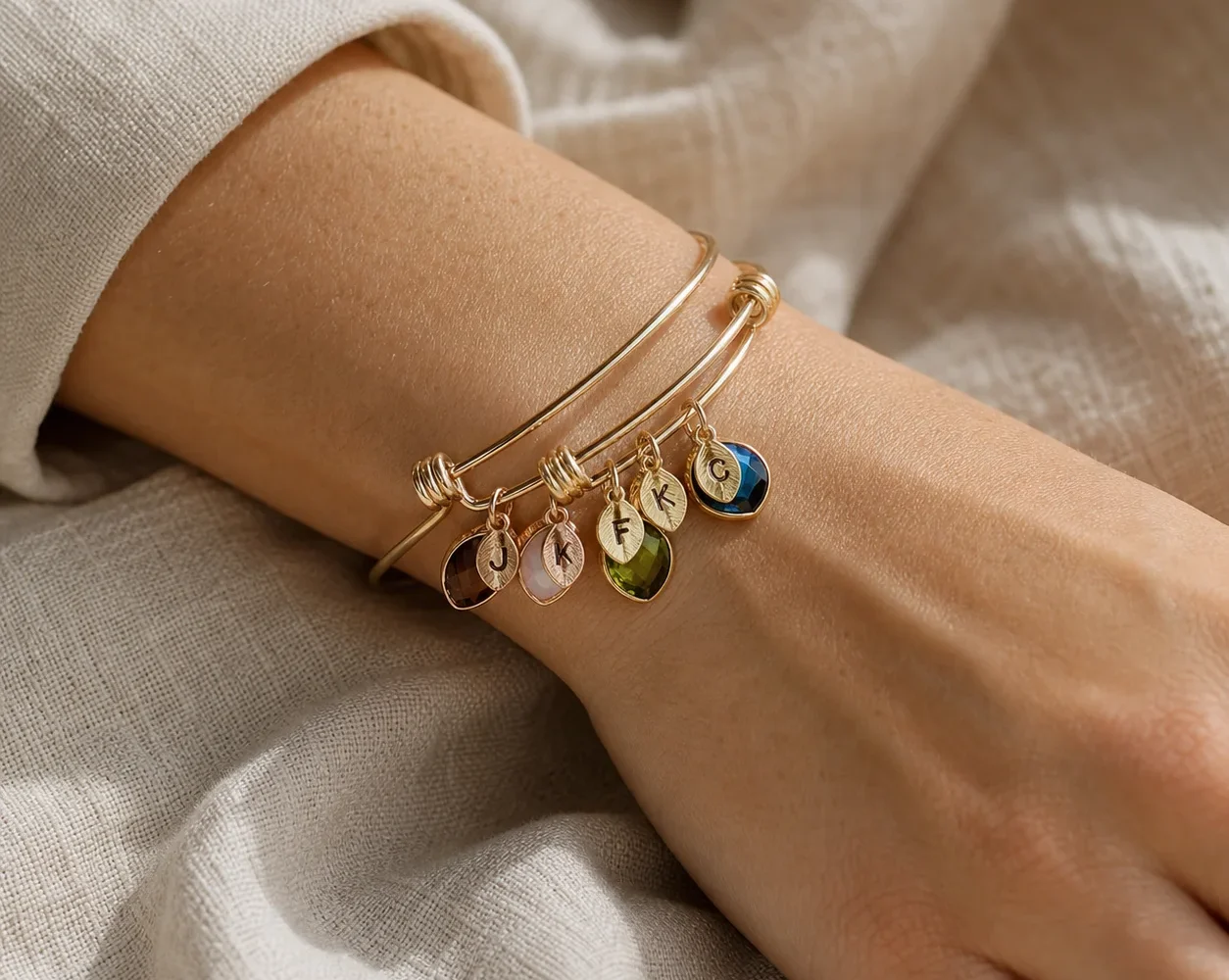
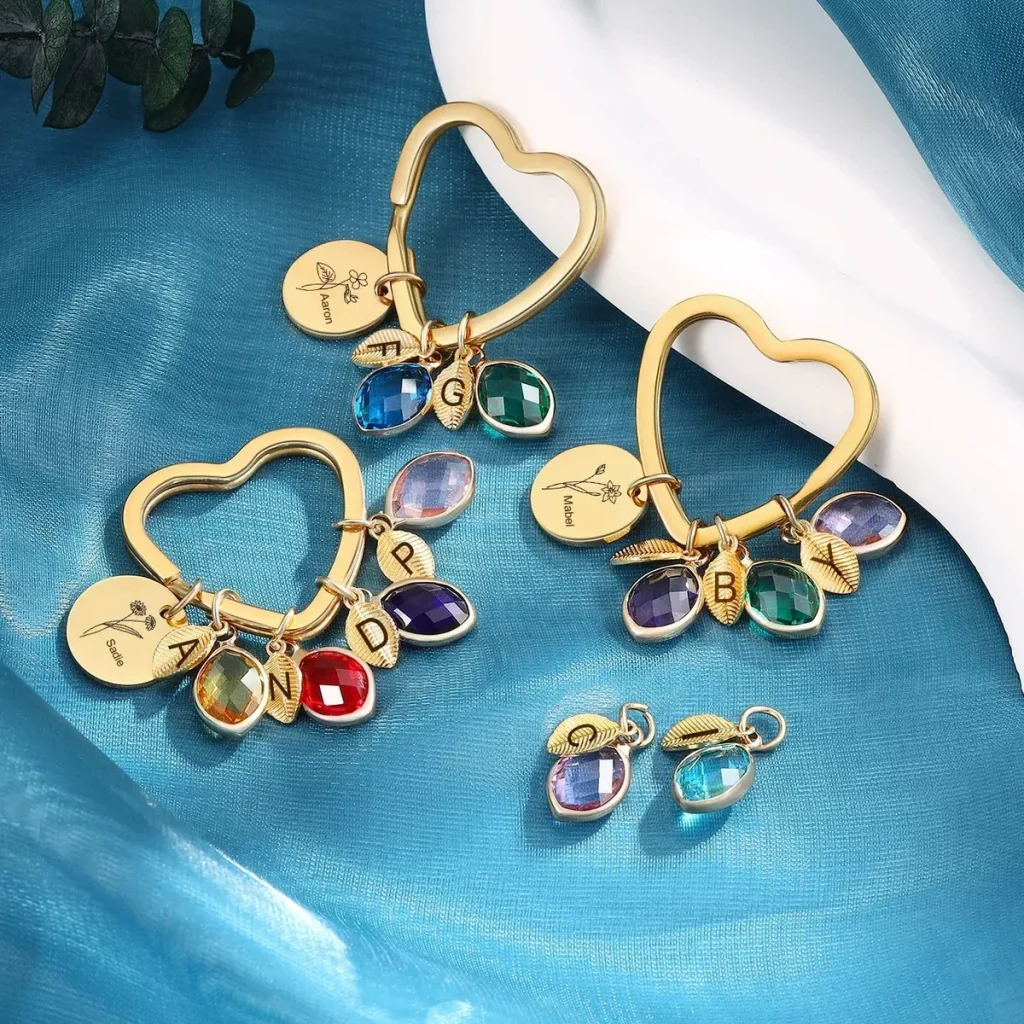
The Family Branch Birthstone Bangle offers an adjustable bangle, round keyring, or heart keyring, with one to five engraved name leaves and simulated birthstone selections. A center-disc message is handled through the current Special Note.
A focused question could be: “For AM-BR-201 in the round-keyring format with three leaves, can the center disc use the exact text ‘Always Together’? I will enter the three names and months in their required fields.”
This question identifies product, format, count, location, and wording. It does not assume the message will fit or ask the note to add a fourth person.
A weaker version would ask, “Can you engrave anything?” That invites ambiguity about location, length, and capacity. The exact sample lets support answer the actual decision while leaving room to say that the field does not support it.
Give useful timing context
State when you need to decide, not when you expect an answer. For example: “I plan to place the order by Friday if this configuration is supported.” Keep the event date separate and review the live shipping information before planning.
Do not place an uncertain order while waiting for clarification. Current personalized pieces are generally subject to change-of-mind limits, and a separate digital preview is not part of the current promise.
Save the question and answer with the final configuration so another organizer understands what was confirmed.
If the answer changes the product, start a new checklist for the replacement. Do not carry Family Branch format, disc, material, or capacity facts into another design simply because support suggested comparing it.
When the decision date passes without clarity, do not submit an uncertain configuration. Adjust the gift plan or choose an option whose current form already answers the question.
Common questions
Should I ask several product questions in one message?
Group only closely related fields for one configuration. Separate unrelated products or decisions so each answer remains clear and usable.
What should a screenshot include?
Show the product name, relevant field, selected option, and observed issue. Remove address, payment, and other unrelated private information.
Does asking mean the requested option will be available?
No. A clear question establishes whether the current product supports the request. Be ready to choose another configuration if it does not.
Make the answer easy to apply
A strong support question is a compact product record: exact item, configuration, field, requested value, observed behavior, and decision context. Review the current FAQ first, then ask only what remains unresolved. The result should be an answer you can transfer directly into—or use to reject—the planned order.
Before sending, remove background story that does not affect the field and add any missing exact value. A concise factual message respects privacy and makes the response easier to compare with the final order.