How to Save a Clear Record of Your Personalization Details
Create one private record of submitted names, months, order, tone, size, format, notes, and confirmation details for later comparison or support.
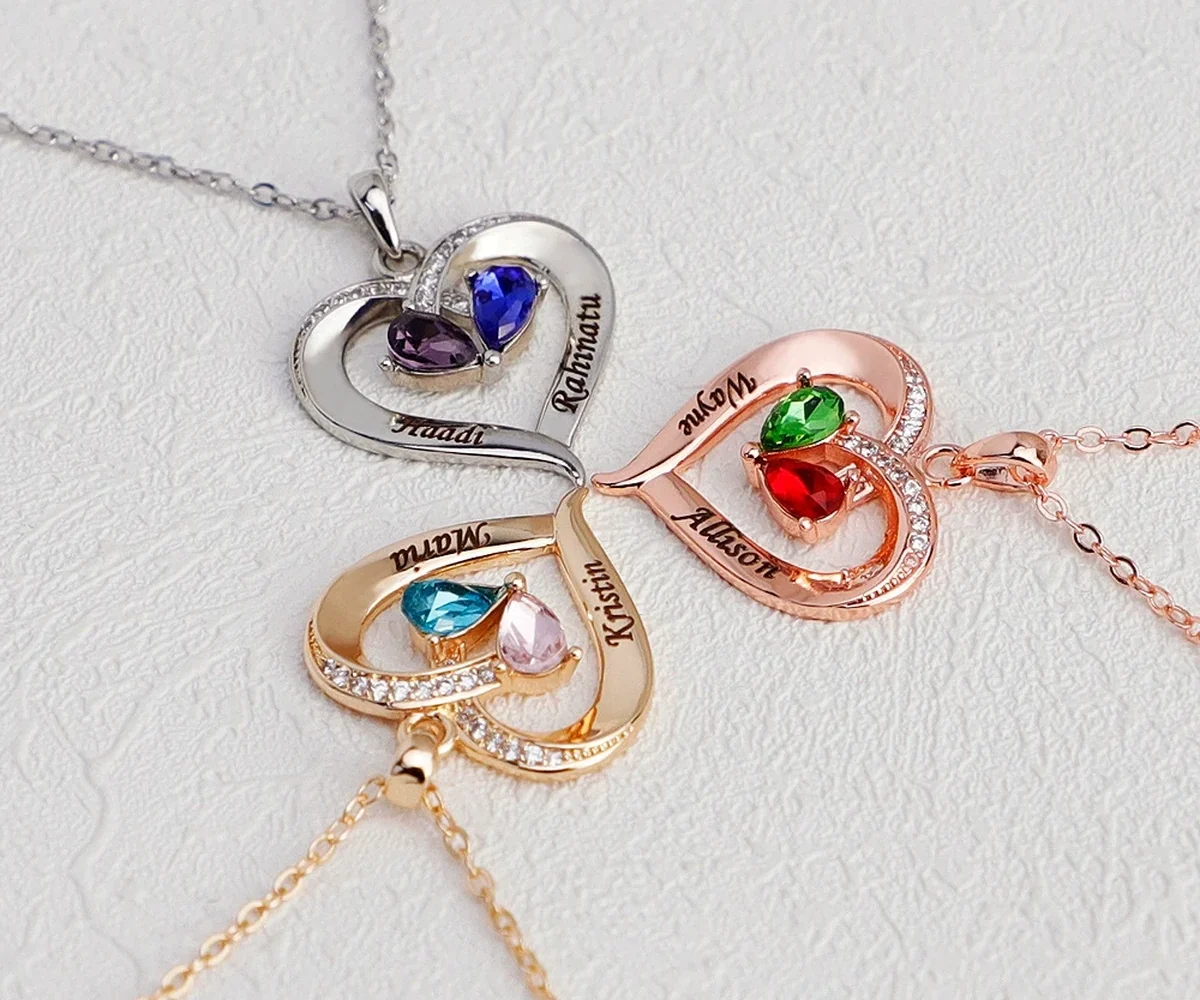
To save personalized jewelry order details, create one private record immediately after submission that mirrors every meaningful field: product, format, quantity, names, birth months, order, size, tone, accent choice, Special Note, and confirmation reference. This copy helps later comparison or support, but it does not edit the submitted order or create a separate design approval.
Capture fields, not just a product screenshot
A product-page image shows the design but usually does not preserve your entered values. A useful record needs both the product identity and the actual selections. Save the confirmation summary when available and transcribe the fields into a simple text or table format.
Use one row per personalized position. For each row, record the exact engraving, confirmed month if applicable, and intended order. Then list product-wide choices such as format, ring size, pendant size, finish tone, or accent style separately.
Keep the pre-order worksheet and post-submission record as two versions. Label the first “planned” and the second “submitted.” If they differ, highlight the submitted values rather than silently updating both files. This distinction helps explain whether a later concern began in planning, data entry, or fulfillment.
Use a consistent record template
- Order date and reference.
- Product title and current page path.
- Format, size, tone, and accent selections.
- Numbered engraving and month pairs.
- Special Note copied exactly, including punctuation.
- Delivery address summary with sensitive details protected.
- Saved confirmation or receipt location.
Amorieva’s personalization process can help you identify which fields belong in the record. Do not add intended choices that were discussed but never submitted; keep planning notes in a separate section clearly labeled as such.
Record a fixed two-person necklace accurately
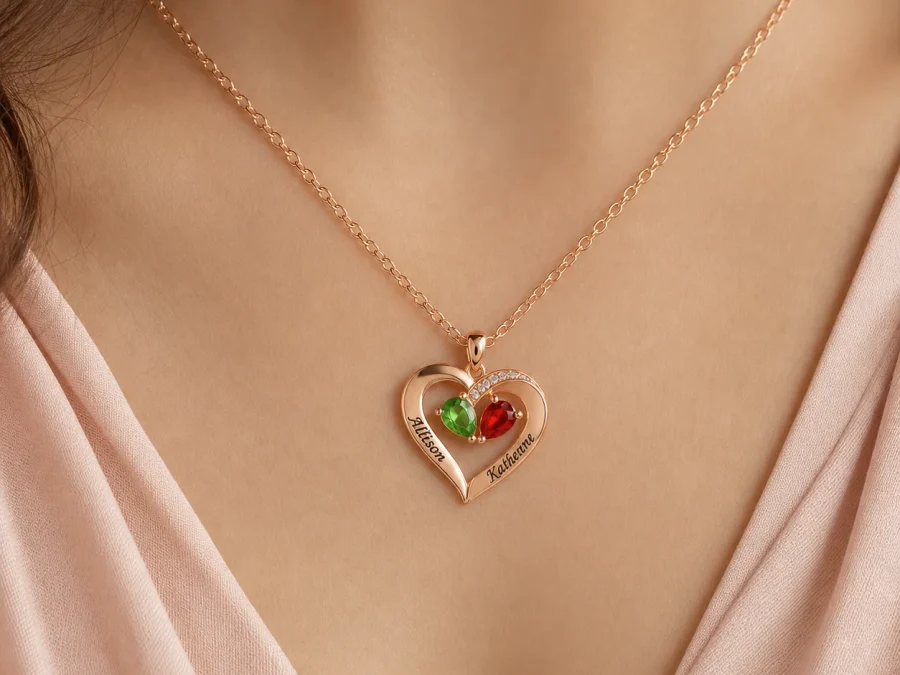
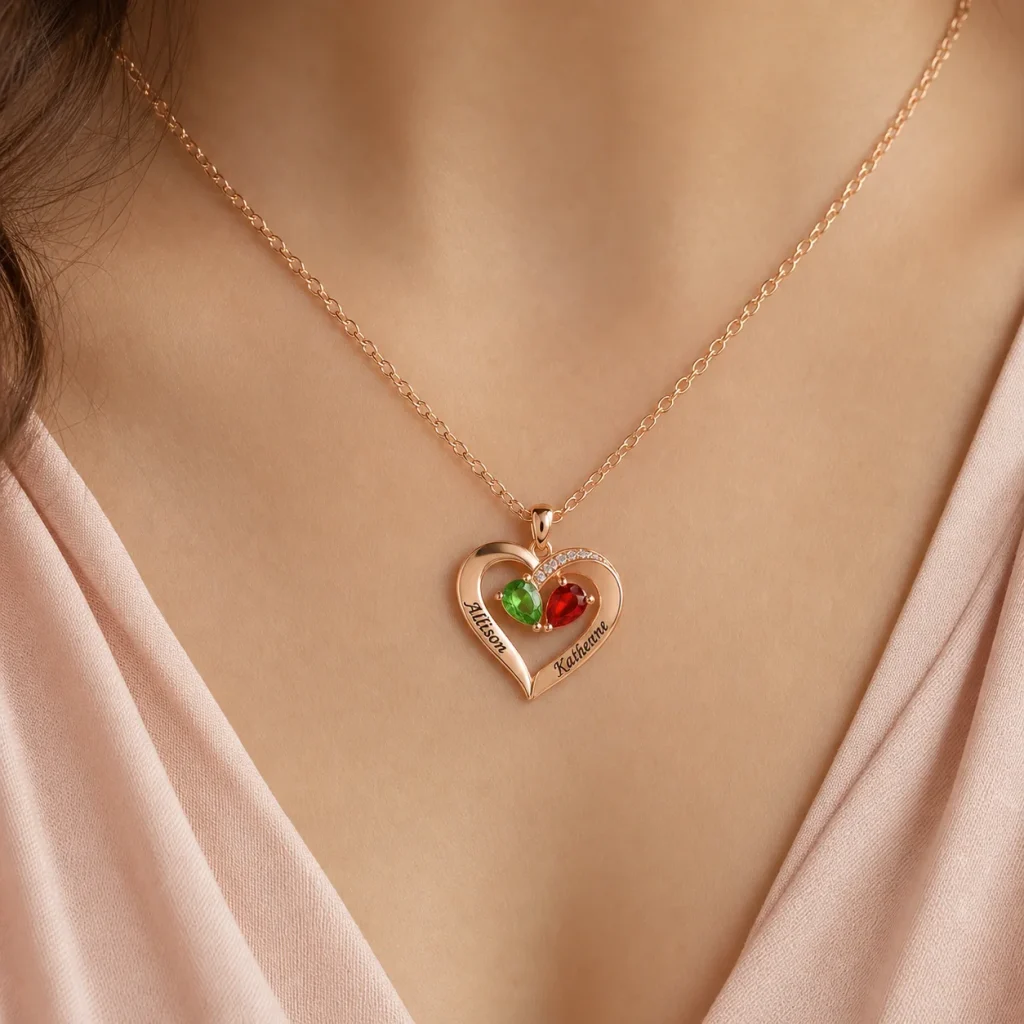
The Two-Tone Teardrop Story Necklace currently uses exactly two engraved names and two simulated birthstone selections. It also includes a finish-tone choice and either a crystal-set or smooth engraved heart accent.
A clear record should show “Position 1: name, month” and “Position 2: name, month,” followed by the selected tone and heart style. Do not collapse the two pairs into comma-separated lists, because a later reader may not know which month belongs to which name.
The heart style is separate from the two month-linked accents. Record it in its own field so a decorative crystal option is not mistaken for another person or birthstone.
Store the record privately and readably
Choose a location you can access later but that is not publicly shared. Protect personal names, dates, address information, and order references according to your household’s privacy needs. Avoid posting the full confirmation in a social feed or an open group document.
Use a descriptive file name without sensitive details, such as the order reference and month. If you save images, also keep a text version that can be searched and copied accurately. A photograph of handwriting may be hard to read when support needs an exact character.
Check the record on a second device or reopen it before archiving. Make sure screenshots are not cropped, text is not hidden behind an expandable field, and special punctuation remains legible. A complete file that cannot be read later is not a useful audit trail.
Back up the record in one additional private location that follows your normal document-security practice. Do not send sensitive order details to a broad family chat merely to create a second copy. If several gift planners need access, share a reduced worksheet containing personalization fields while keeping address and payment information in the buyer’s private confirmation.
Use the record without overstating it
A personal copy helps you compare the delivered personalization with the submitted confirmation and explain a concern. It does not override the seller’s system record, change an order, establish manufacturing steps, or promise a visual proof. If you discover an input error, contact support promptly and describe both the submitted field and intended correction.
When contacting support, quote the exact field label and value: “Position 2 was submitted as June,” for example. Avoid sending only a broad statement such as “the stones are wrong.” Precise comparison reduces follow-up and keeps the discussion tied to the record.
For order questions, review the Amorieva FAQ and the current personalized-order policy. Keep facts and photographs together if you need to report damage or a mismatch.
Common questions
Is a screenshot enough?
Only if it clearly includes every submitted field and remains readable. A structured text record is easier to search, compare, and quote accurately, so use both when practical.
Can my saved record change the order?
No. It is a private reference. Contact support if a correction is needed, and do not assume a change remains possible after submission or preparation begins.
Should I save birth dates or only months?
Keep only the information needed for your purpose. The order selector uses months; a private full date may help verification but should be protected and is not necessary in a broadly shared record.
Make the order understandable months later
A good record should let your future self reconstruct the exact configuration without reopening a family debate. Preserve paired fields, separate style choices, and label planning notes clearly. That small administrative step supports accurate comparison while respecting both privacy and the limits of what a personal copy can prove.