Personalized Jewelry Checkout Review: A Field-by-Field Checklist
Use a field-by-field checkout checklist to verify names, months, format, tone, size, quantity, notes, and order details before submission.
A personalized jewelry checkout checklist should verify the completed order, not reopen every design decision. After you have entered the names, months, tone, size, format, quantity, and notes, pause before submission. Compare the on-screen summary with a separate written source and review one field type at a time. This catches transposed details that are easy to miss when reading the whole order as a story.
Freeze the source information first
Create a clean reference outside the product form. For each person, record the approved engraving exactly as it should appear, the confirmed birth month if the design uses one, and the intended position. Include accents, hyphens, initials, and spaces deliberately. Do not rely on memory while reviewing a permanent personalized detail.
Ask the relevant person to confirm an unfamiliar spelling. If the purchase is a surprise, compare against a reliable written source rather than a social profile nickname. The goal at this stage is not to make the name “look better.” It is to ensure the order matches the choice already approved.
Keep this reference visible beside the checkout page. Amorieva’s personalization process overview explains why submitted details should be confirmed before the piece is prepared.
Audit names, months, and positions as pairs
Read the form vertically by position: Name 1 with Month 1, Name 2 with Month 2, and so on. Then read the names alone and the months alone. These separate passes catch two different problems—spelling errors within a field and correct details attached to the wrong person.
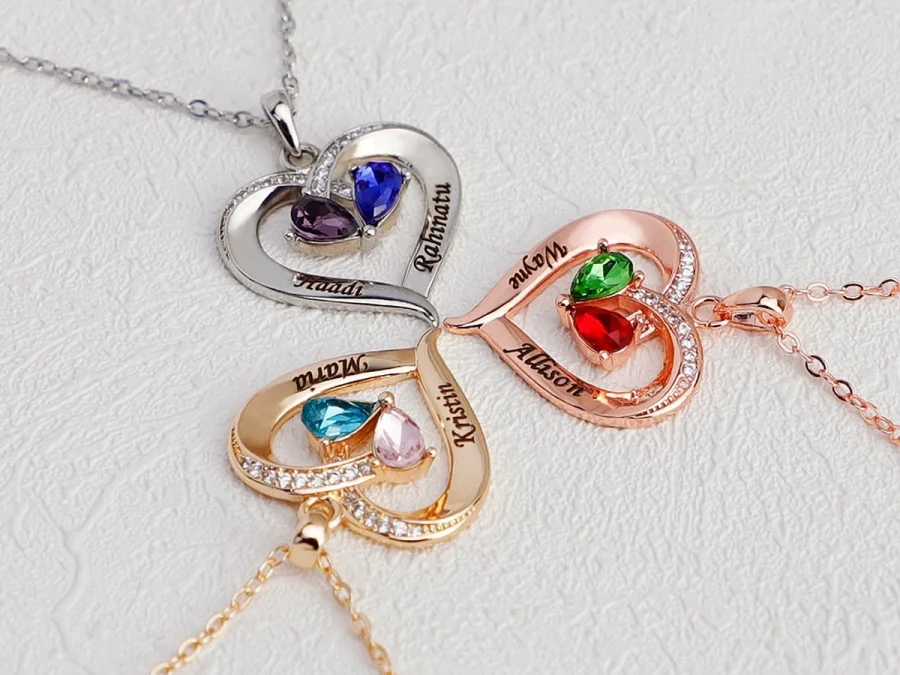
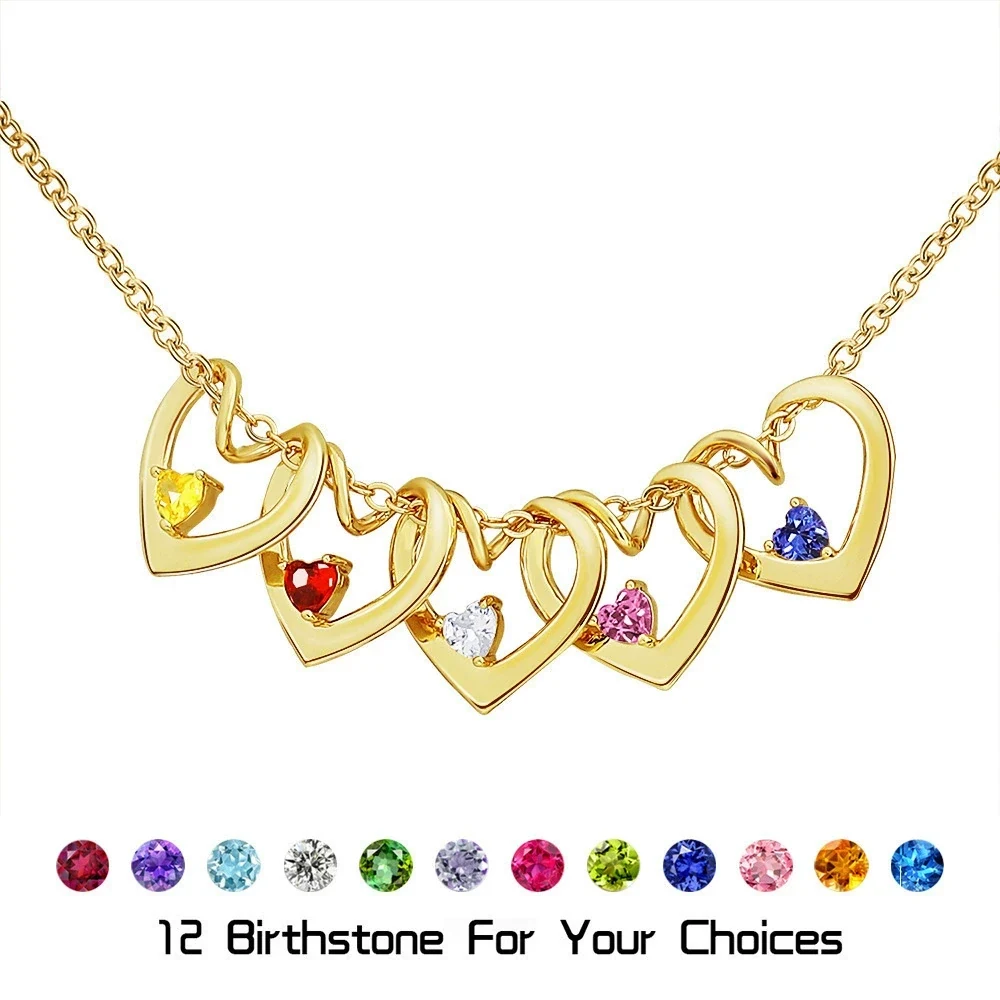
The Twisted Heart Birthstone Necklace supports one to five loved ones, with one engraved name and one month selection for each. Its current choices include necklace or bracelet format and gold, stainless-steel, or rose-gold tone. Because several controls work together, a name list can be correct while its pairing or format is not.
Use a finger or cursor to track one row at a time. Say the month name aloud rather than identifying it from the displayed color. Photography and screen appearance are secondary to the selected January-through-December label.
Check configuration fields in a fixed order
Once personal details pass, review the non-name fields. A repeatable sequence is faster than scanning randomly:
- Product: Confirm the title and product image match the intended design.
- Format: Check necklace, bracelet, keyring, ring, or other offered structure.
- Count: Match the selected number of people or pieces to the completed fields.
- Tone or accent: Read the selected text, not just the thumbnail.
- Size: Confirm any pendant or ring size against your written decision.
- Quantity: Distinguish one personalized item from multiple identical units.
- Special Note: Remove instructions that are unclear, contradictory, or no longer relevant.
Not every product offers every field. Absence is not an invitation to add a request in the note area. Review the live form as the authority for what can be configured.
Perform one cross-field check before leaving the product page. The selected count should equal the number of completed personalization groups; the chosen format should agree with the item you intend to wear or give; and the size, tone, or accent named in the summary should match your decision sheet. This catches a valid value placed in the wrong configuration—for example, two correct names entered on a product that was supposed to represent a larger family.
Review the cart and order-level information
Move from the personalized item to the complete cart. Check that an old test item or duplicate quantity has not remained. If multiple personalized pieces appear, open each summary and verify that details did not carry over mentally from the previous product.
Then review the contact and destination information as its own task: full name, email, phone when requested, street, unit number, city, state, postal code, and country. Use the recipient or delivery source directly. The current shipping and returns page should be checked for the applicable destination and policy information before submission.
Save a clear record of the final summary available to you. Do not assume that a separate design proof will be sent later; Amorieva does not currently promise one. The final pre-submission review is therefore an important accuracy control.
Common questions
Should I proofread on a phone or a larger screen?
Use the clearest screen available and zoom if needed. A larger display can make long summaries easier to compare, but the method matters most: check against a separate source and review one field type at a time.
What if the product image does not show my exact names?
Treat the entered text and final summary as the order record unless the live form explicitly provides a personalized preview. Do not infer that a sample image confirms spelling, order, or month pairing.
What should I do if a field is unclear?
Pause instead of guessing. Consult the Amorieva customer FAQ and ask for clarification when needed. Do not place an ambiguous instruction in a note and assume its intended meaning will be obvious.
One deliberate pause protects the whole order
Finish the review only when the source list, product fields, cart summary, and destination information agree. Names and months deserve individual passes; format, tone, size, and quantity deserve another. A calm field-by-field check takes less effort than trying to spot everything at once and gives a made-to-order piece the most accurate information available before submission.