How to Photograph and Report Damaged or Incorrect Personalized Jewelry
Document damaged or incorrect personalized jewelry with clear overview and detail photos, the submitted order record, and a concise issue description.
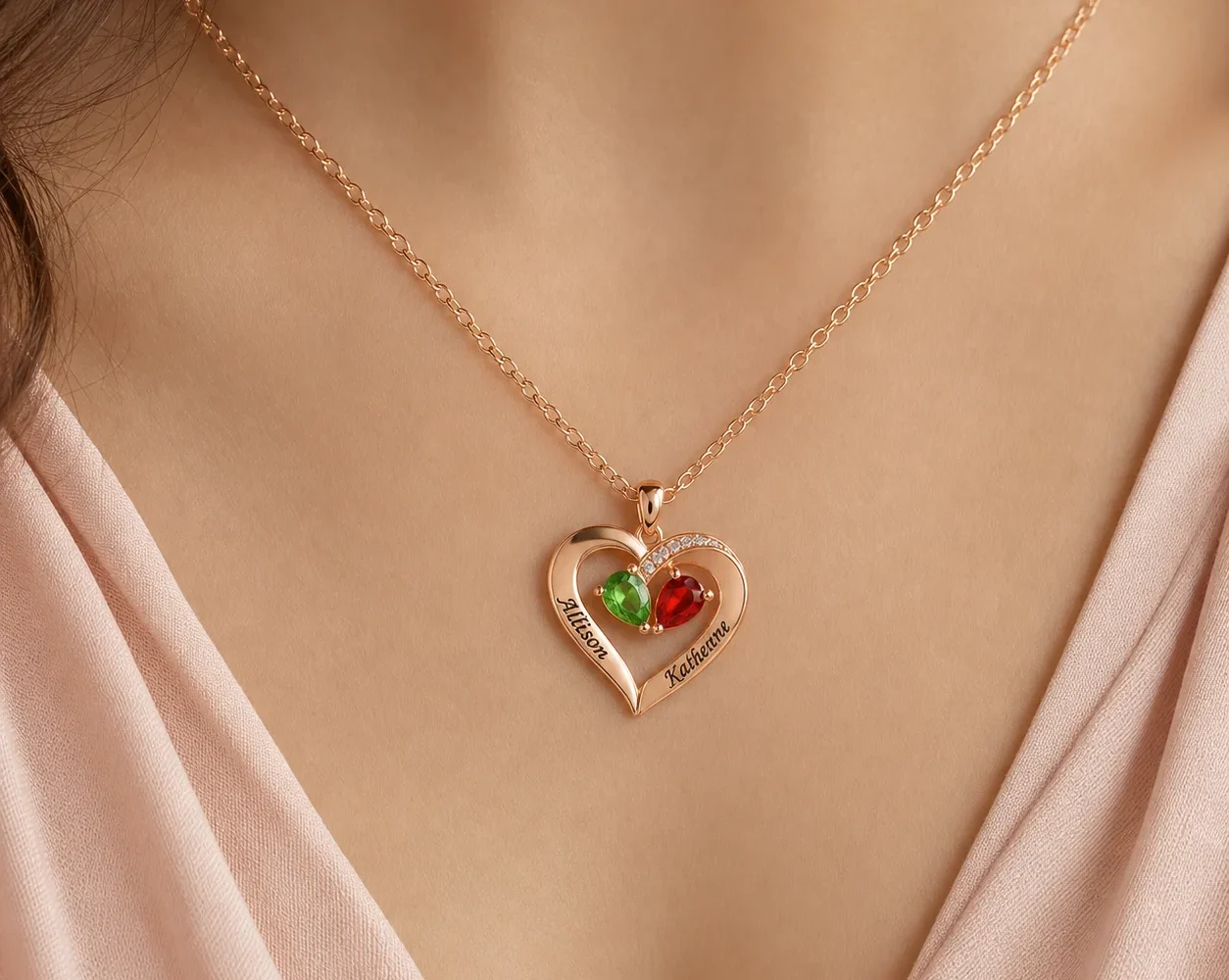
To report damaged personalized jewelry or an order that appears incorrect, create a neutral record before cleaning, wearing, or altering the item. Take one full-item photo, several focused detail photos, and a picture that shows scale. Then compare the names, months, tone, size, and format with the submitted order summary. A clear record helps support understand the issue without relying on emotional descriptions alone.
Preserve the condition you received
Place the item and all materials that arrived with it in a safe, dry location. Do not polish, bend, glue, tighten, or test a component. If there is visible residue, leave it in place until you have photographed the area. A change made with good intentions can obscure what was present at arrival.
Handle the jewelry only as needed and wash and dry your hands first. Keep small pieces together. If an element is loose, position it nearby rather than forcing it back into place. Photograph the outer parcel label and relevant packaging separately when damage in transit may be part of the context.
Review the current Amorieva shipping and returns guidance for the correct contact route and policy boundary. Outcomes depend on review; do not assume a particular resolution before the evidence is examined.
Take an overview, detail, and scale sequence
Use bright, indirect light and a plain contrasting background. Turn off decorative filters and portrait effects. Hold the camera steady and make sure the issue is in focus before moving on.
A useful photo set includes:
- The complete item from the front.
- The complete item from the back, when it can be positioned safely.
- A medium-distance view showing where the issue sits on the whole piece.
- A close view showing the engraving, accent, connection, or surface concern.
- A scale reference such as a clean ruler placed beside, not on top of, the item.
- The shipping label and any visibly affected packaging, with unrelated personal details obscured when appropriate.
Keep the original files. Cropping a copy can help point to the area, but the uncropped image preserves context.
Name the files in a sequence that support can follow, such as “01-full-front,” “02-full-back,” “03-location,” and “04-close-detail.” If there are two separate concerns, create a short list that links each issue to its photograph numbers. This avoids sending a large group of nearly identical images with no explanation of what each one is meant to show.
Compare the item with the submitted details
An “incorrect” item should be evaluated against the actual order record, not only against memory or a sample product image. Locate the confirmation or final summary available to you. Compare product title, quantity, format, tone, size, every engraving, every month selection, and any accepted note.
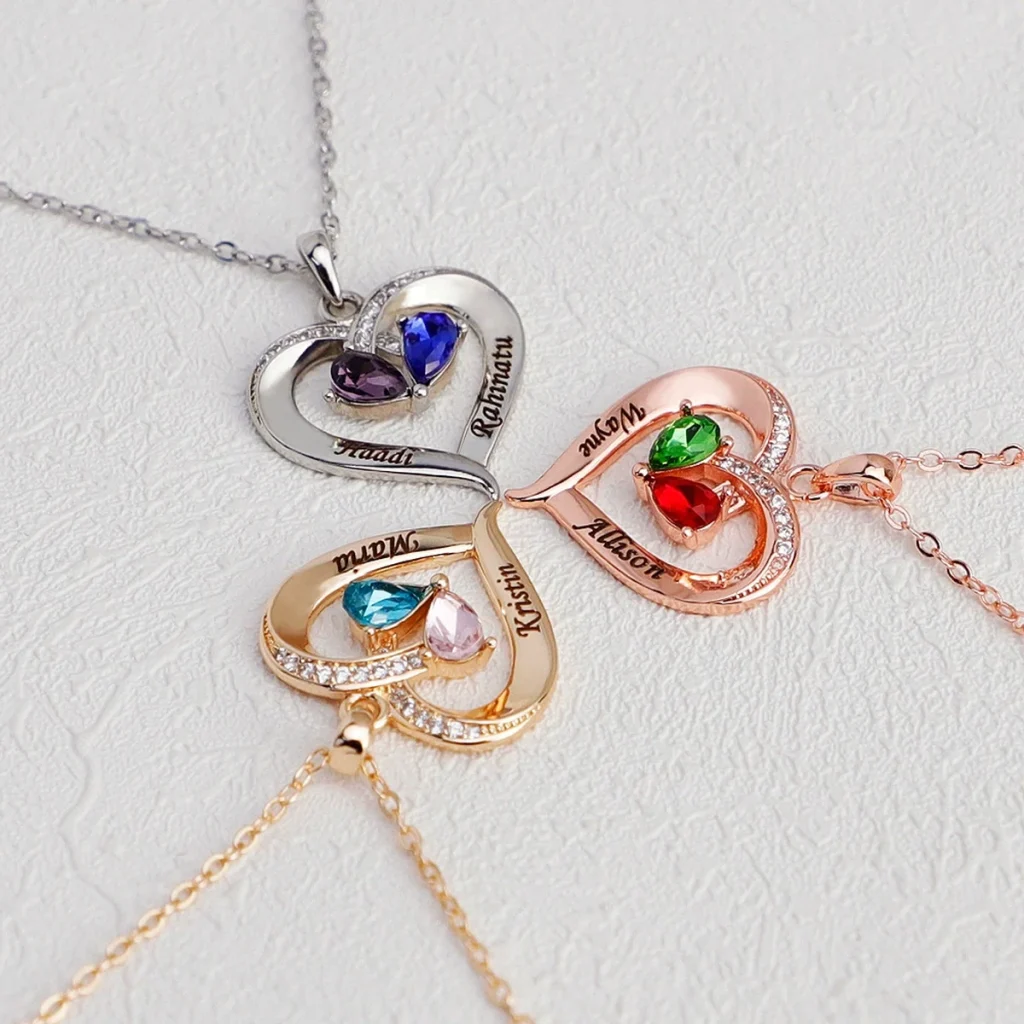
The Two-Tone Teardrop Story Necklace, for example, uses exactly two names and two selected birth months, with a tone choice and either a crystal-set or smooth engraved heart accent. A useful report would identify the specific field: “Name 2 reads X; submitted summary reads Y,” or “The selected heart accent in the summary is X; the received piece appears to be Y.”
Color alone needs careful framing because photography, lighting, and screens can affect appearance. State the selected text label and provide photos under neutral light rather than declaring a material fact from a screen comparison.
Write a concise support message
Start with the order identifier and product name. Add the date received, a one-sentence description of the issue, the submitted value, and the observed value. List the attached photos by purpose. End with a request for review rather than a demanded outcome based on an unverified assumption.
A clear structure is:
- Order reference and contact email.
- Product and affected quantity.
- Expected personalization from the order summary.
- Observed condition or difference.
- When the parcel was received and when it was opened.
- Photo list and any relevant handling already performed.
Use the Amorieva FAQ for current support information. Keep a copy of the message and original images. Do not send account credentials or unrelated payment details.
Before sending, remove duplicate photos that add no new angle, but keep enough context to establish the location of every close-up. Check that the order identifier is readable in the message rather than only buried inside an attachment. A recipient should be able to understand the basic issue from the text and use the images to verify it.
Common questions
Should I clean the jewelry before taking photos?
No. Photograph the received condition first. Cleaning can change residue, surface appearance, or the position of a loose element. Wait for appropriate guidance after documenting the issue.
What if the engraving looks wrong only from one angle?
Photograph the same area from several angles under consistent, indirect light. Include one full-item image so support can locate it, and compare the visible text with the submitted order summary.
Does reporting damage guarantee a specific outcome?
No outcome should be assumed before review. Provide accurate evidence and use the current policy channel. The condition, submitted details, and applicable terms all need to be evaluated.
Make the record easy to verify
The strongest report is factual, complete, and unchanged by attempted repair. Preserve the item, photograph from broad context to close detail, match each concern to the submitted fields, and send a compact timeline. Amorieva’s personalization overview can help identify which details were part of the original configuration. Good documentation cannot decide the outcome, but it can make the issue much easier to understand accurately.