How to Read Personalization Options Before Ordering Jewelry
Read personalized jewelry options field by field, separate required choices from notes, and verify that names, months, count, and design stay aligned.
To read personalization options before ordering jewelry, move through the form in order and give each field only the job it states. A name field records engraving, a month selector chooses a simulated birthstone color, and a tone choice controls appearance. A Special Note may clarify an allowed detail, but it should not be used to override required selectors or request features the product does not offer.
Decode the product structure before entering text
First identify what the finished design is built to hold. Look for the number of people, pieces, names, birthstone selections, available sizes, and format choices. These are structural limits, not suggestions that a note can expand.
Write the capacity at the top of a planning sheet. If a product supports exactly two loved ones, a third name should send you back to the collection rather than into an extra instruction box. If a design supports one to six, choose the correct count before filling six rows by habit. The Amorieva personalization overview explains the broader sequence from selecting a design to reviewing the details.
Then check whether the product is a necklace, bracelet, ring, keyring, or a format with alternatives. Similar visual motifs do not make formats interchangeable. One product may offer a necklace and bracelet choice, while another remains a single defined form.
Read required selectors as linked decisions
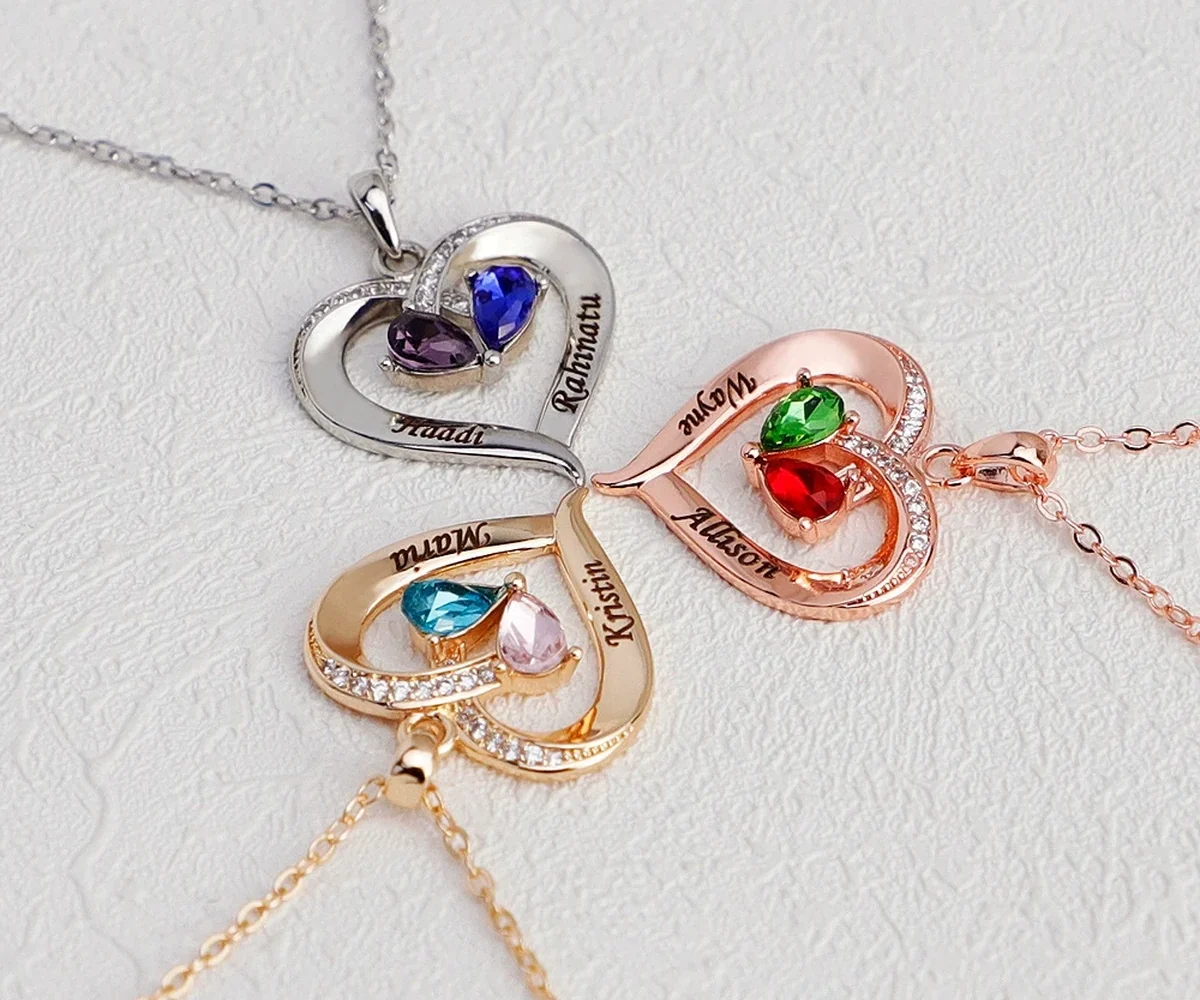
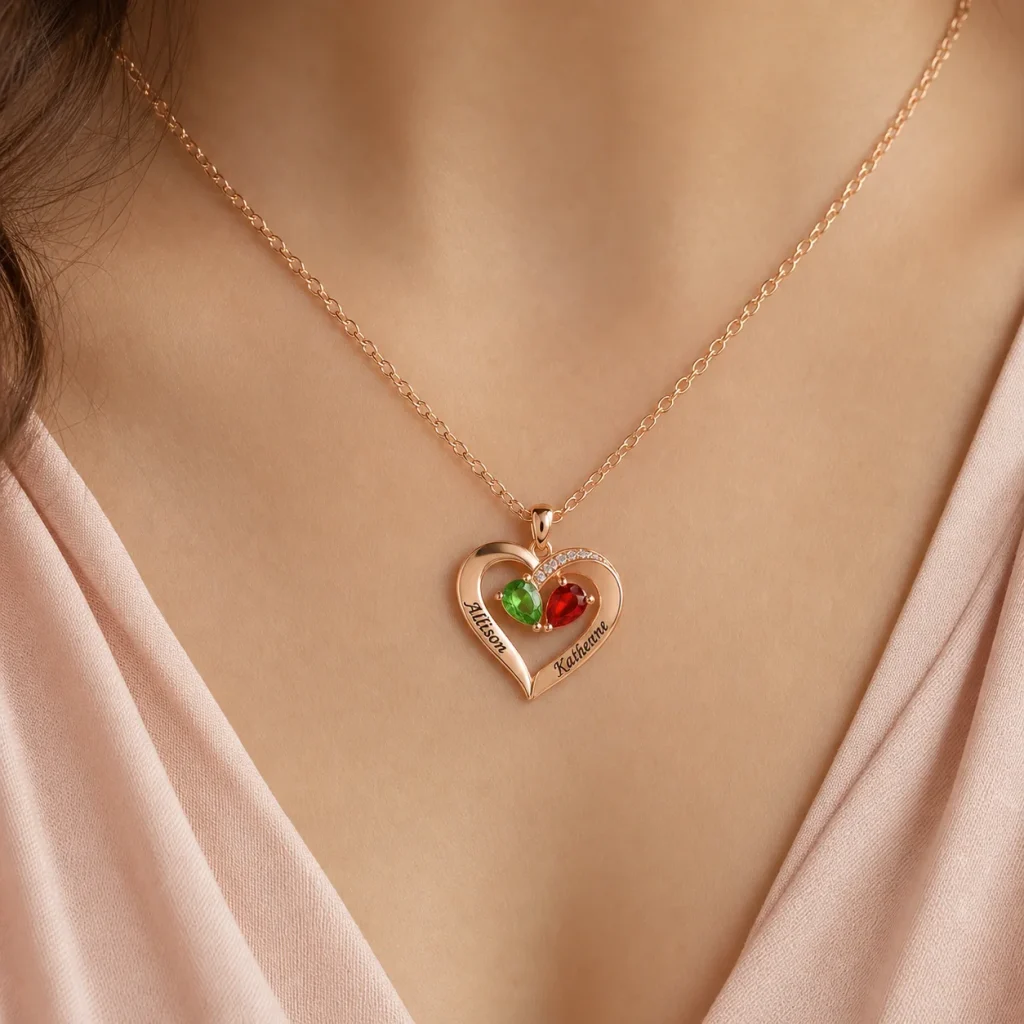
The current Two-Tone Teardrop Story Necklace is a clear example. Its personalization is built for exactly two names and two simulated birthstone month choices. It also offers three tone choices and a heart-accent decision: crystal-set or smooth engraved.
Review the people in pairs:
- Name one with month one.
- Name two with month two.
- Chosen tone for the necklace.
- Crystal-set or smooth engraved heart accent.
This pairing matters because a form can be complete while two months are accidentally reversed. Checking all names first and all months second makes that error harder to notice. Read across each person’s row, then read down the final order.
Separate engraving fields from a Special Note
Use dedicated engraving fields for the text they request. A Special Note can clarify an allowed preference or provide context when the current instructions invite it, but it does not guarantee an unsupported layout, extra name, different material, or longer engraving.
Do not place conflicting instructions in two locations. If a name field says “Maya” and a note says “please use Maia,” the order becomes ambiguous. Correct the required field and keep one final spelling. The existing guide to choosing necklace engraving can help you edit names and short text before they reach the form.
A separate digital design proof is not promised. Treat the submitted selectors as the production-ready record. If an essential request does not fit the visible options, use the current FAQ to find the appropriate next step before placing the order rather than assuming the note will be accepted.
Do not transfer options between products
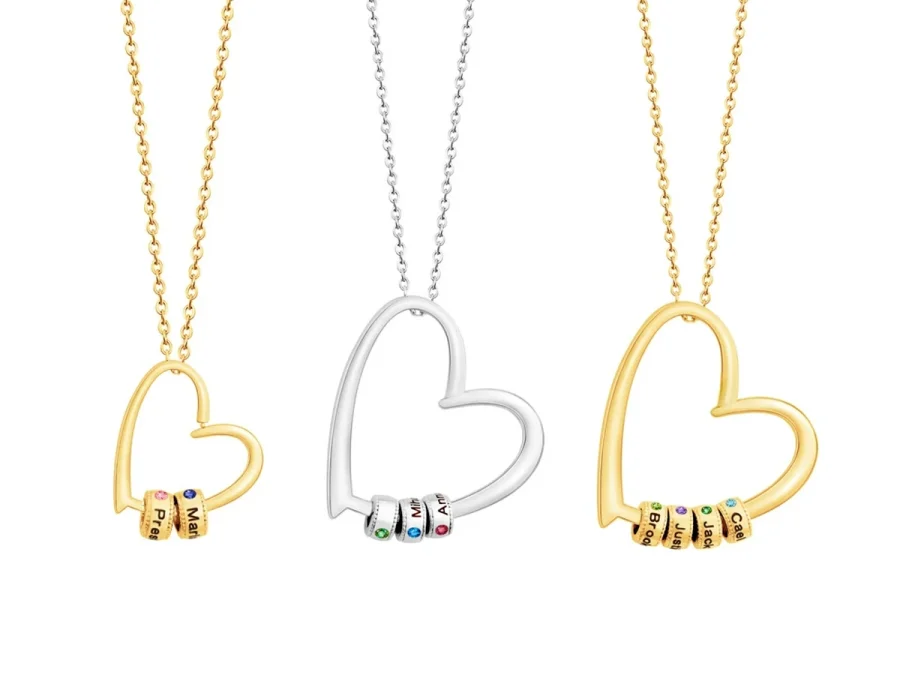
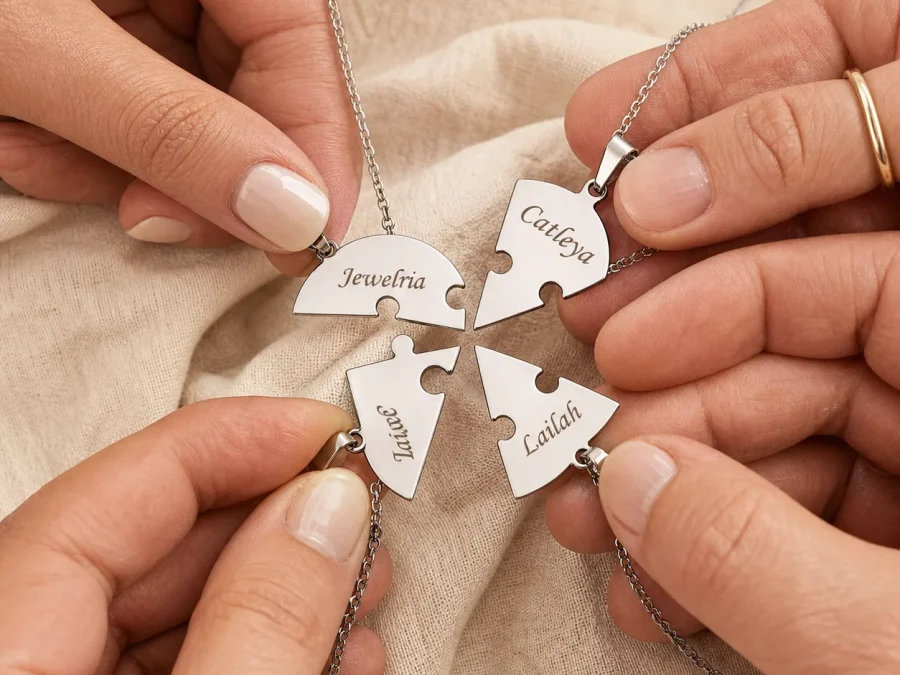
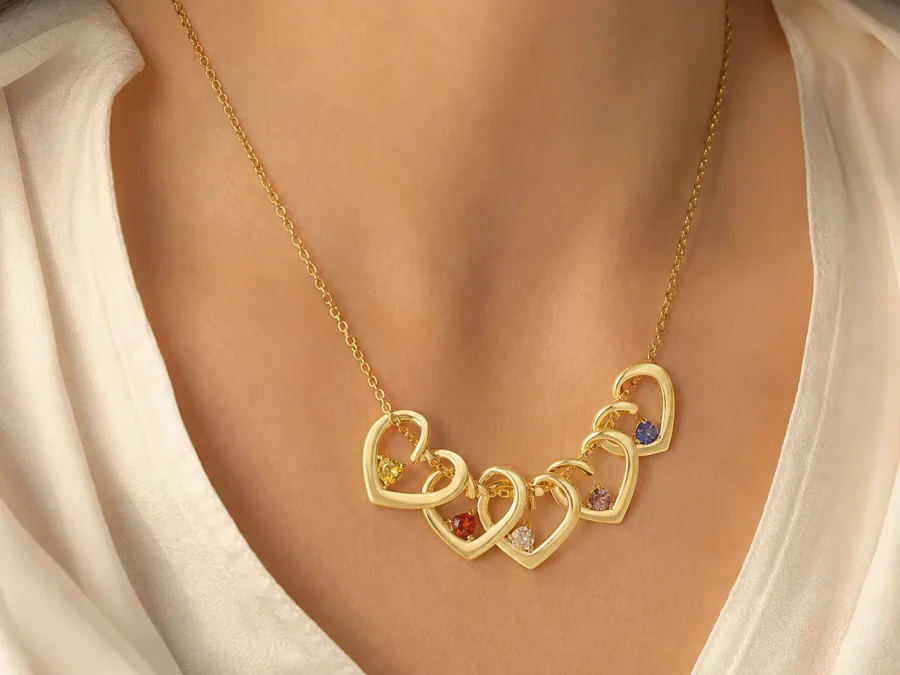
Current Amorieva designs have deliberately different fields. Gathered Hearts supports engraved name beads but does not currently offer a birthstone-month selector. Together Heart Puzzle supports two or three pieces with one name each and no birthstones. Family Constellation Ring supports ring sizes 6 through 10 and one to eight simulated birthstone accents, but it does not currently show the three-tone selector used by several necklaces.
These distinctions are why a sitewide idea such as “personalized birthstone jewelry” cannot replace reading the selected product page. Finish names, capacities, and options are product-specific. Reopen the page immediately before the final review instead of relying on a screenshot from another design.
Perform a five-line final review
Copy the submitted configuration into five lines: product and format; quantity or family count; names in order; months in matching order; remaining visual choices. Compare each line with the form. Then check the delivery and policy information separately on the shipping and returns page, since a correct engraving plan does not answer timing or eligibility questions.
Save the final wording you actually submitted. If support is needed later, a clear record is more useful than remembering what you intended to type. Avoid including sensitive information that the product does not request.
Common questions
Can I add another name in the Special Note?
Do not assume so. The note does not expand a product’s stated capacity. Choose a design that supports the full number of people or ask for clarification before ordering.
What if two people share a birth month?
Select that same month for both and keep the names paired with their positions. Repeated colors can be accurate; changing a month merely for visual variety is not.
Will Amorieva send a design proof automatically?
A separate digital proof is not promised. Review the current fields as the final instruction set and resolve any essential uncertainty before submitting the personalized order.
Make the form match one clear plan
A personalization form is easiest to read when the family story has already been organized. Confirm the product’s capacity, pair each name with its month, choose the offered visual options, and reserve notes for genuine clarification. One consistent plan across every field reduces ambiguity and preserves the details that make the piece personal.