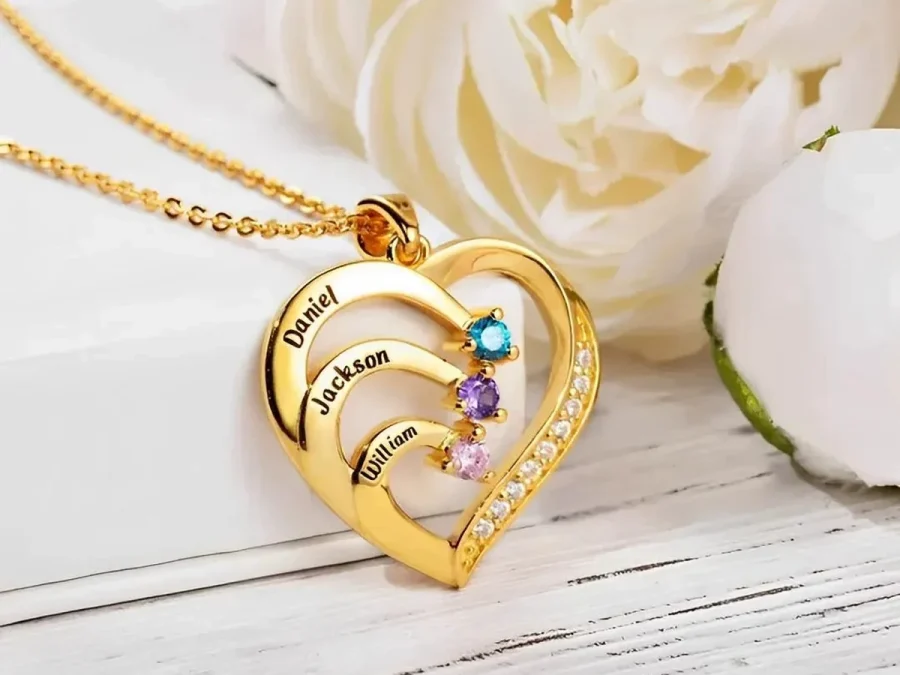
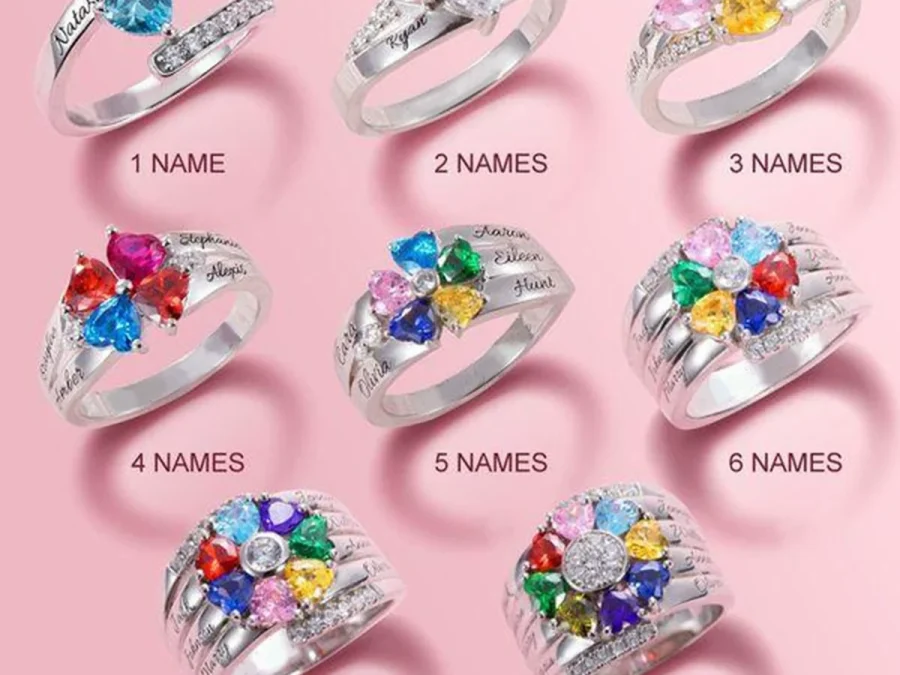
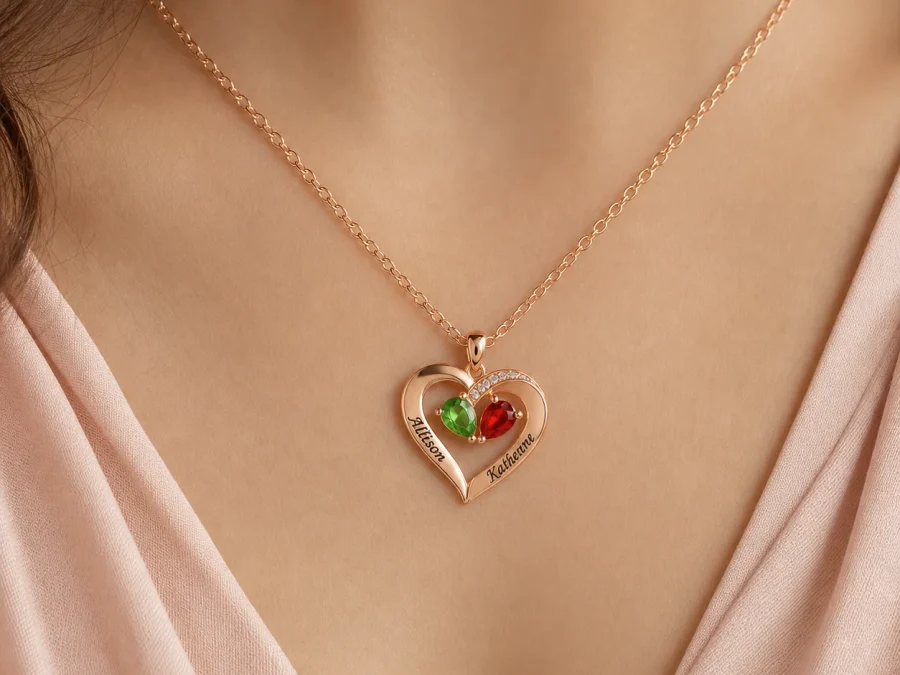
How to Match Every Name to the Right Birth Month Before Ordering
Build a name-to-month worksheet, preserve the intended order, and review each personalized jewelry row without relying on accent color or memory.
To match names to birth months on personalized jewelry, create one numbered row per person and keep the name, confirmed calendar month, and product position together from start to finish. Enter one complete row at a time, then read the final form back against the worksheet. This prevents a correct month list from shifting one position away from the correct names.
Build the worksheet from verified facts
Use four columns: position, engraving, full birth date for private verification, and selected month. Write the month as a word rather than a number so date formats cannot be confused. “April” is unambiguous; “4” may not be when several relatives are checking the list from different conventions.
Confirm the exact name form separately. A birth certificate can verify a date but may not show the nickname the recipient expects to see. Ask an appropriate family source to approve spelling, capitalization, and month. Mark an unconfirmed row as incomplete instead of filling it from memory.
Add a source column when several relatives are coordinating the order. It can say “confirmed by recipient,” “family calendar checked,” or another plain record of how the fact was verified. The goal is not formal documentation; it is to prevent a confident but unsupported memory from replacing a confirmed detail during a later edit.
Birthstone traditions and alternative stones can vary by place and era. For this task, you are not deciding among gemological traditions. You are translating a confirmed calendar birth month into the January-to-December simulated birthstone choice offered by the product.
Choose a stable ordering rule
Decide the sequence before opening the product form. Possible rules include oldest to youngest, children followed by grandchildren, household groups, or a recipient-centered arrangement. Write the rule at the top of the worksheet so another reviewer can understand why the rows appear in that order.
Do not reorder the entries simply to spread out similar colors. Two people born in the same month should retain the same month selection. Their names and positions distinguish them; color variety is not evidence of accuracy.
Freeze the sequence after approval. If a new person is added, create a new row and review every later position rather than inserting the name silently into the middle. A positional change can shift otherwise correct pairs, especially when the form repeats similar labels.
For a broader review of conventional month associations, use the Amorieva month guide, then return to the live product selector for the choices available on the design.
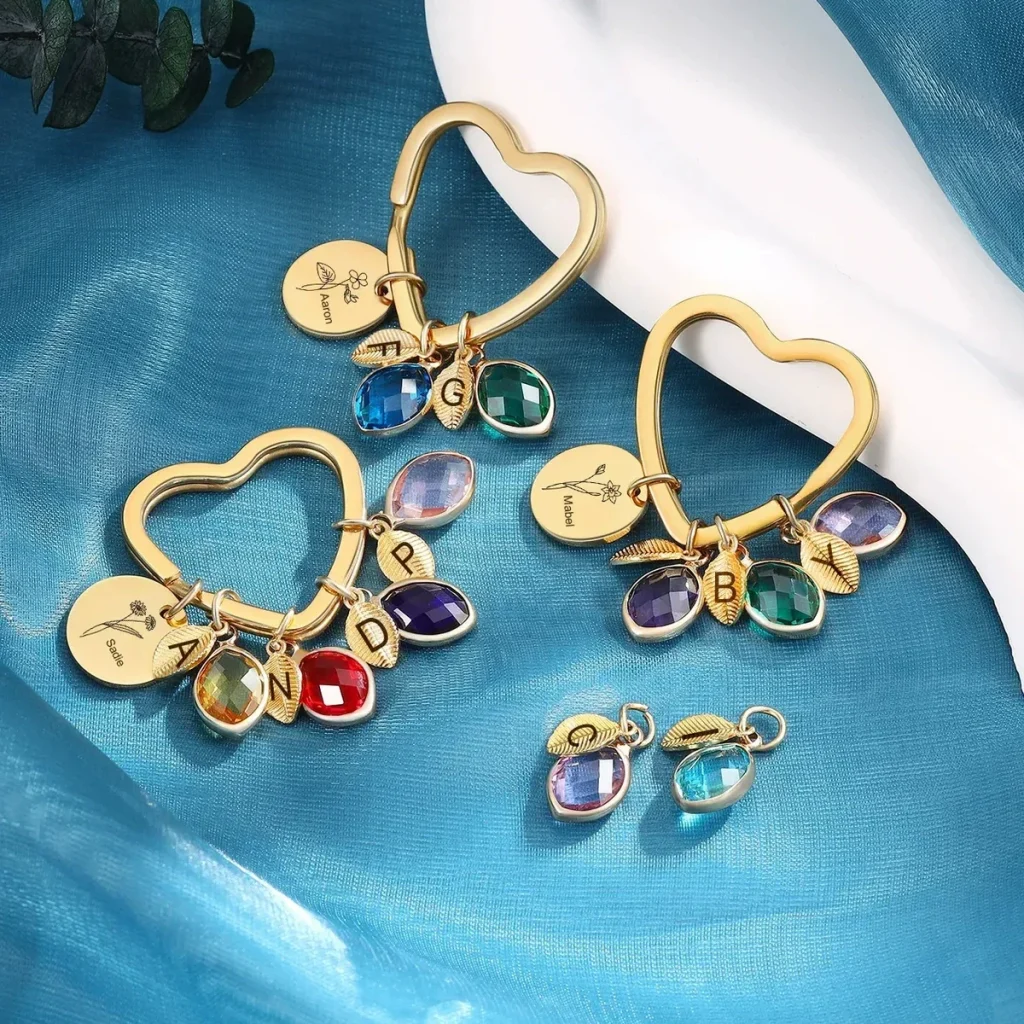
Apply one-row-at-a-time entry to the family branch
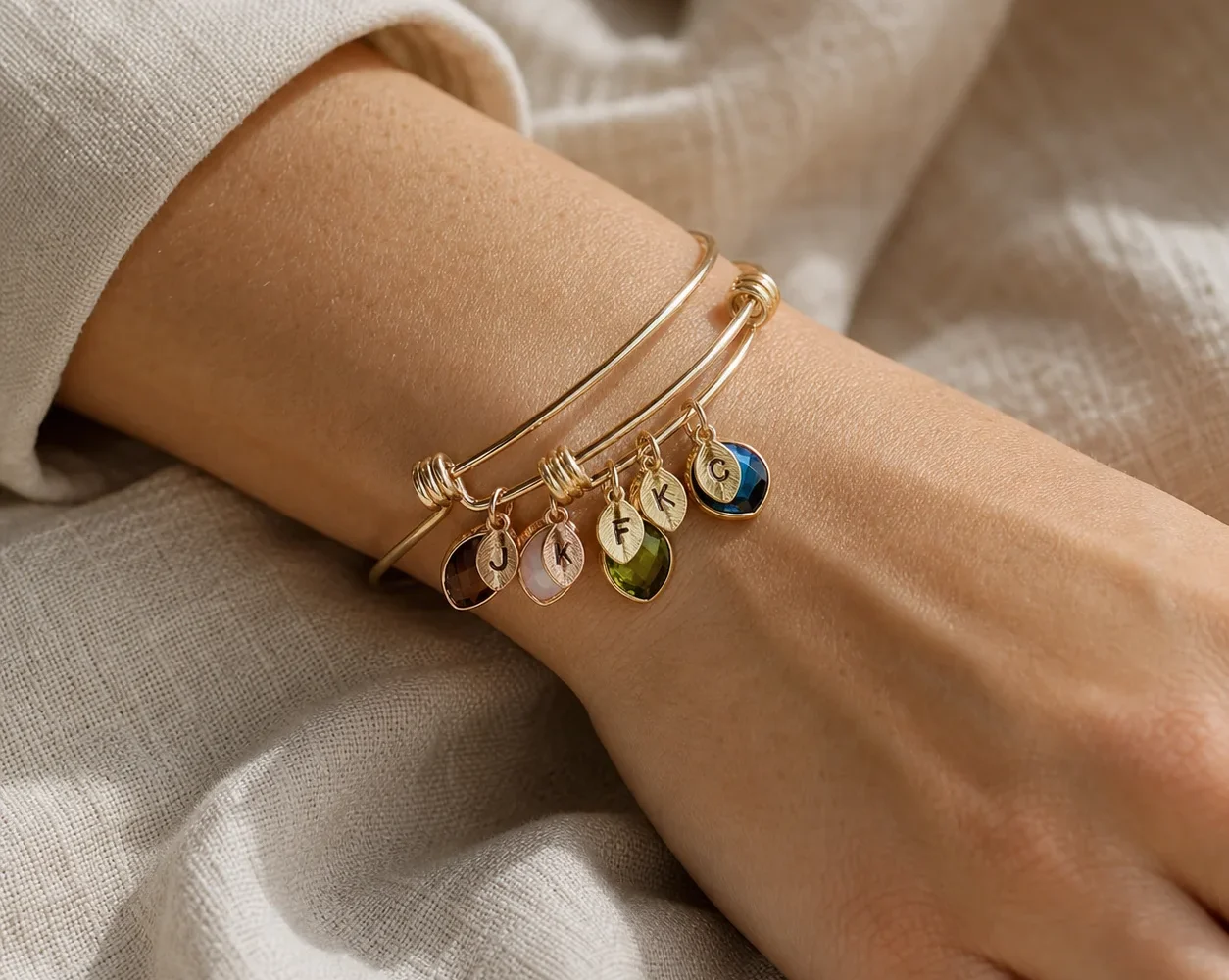
The Family Branch Birthstone Bangle currently supports one to five loved ones through engraved leaf charms and simulated birthstone selections. It can be configured as an adjustable bangle, a round keyring, or a heart keyring. Its central disc can receive a short message through the current Special Note workflow.
First choose the format and number of leaves. Then complete leaf one from worksheet row one: enter its name, select its month, and stop. Complete row two in the same way. This paired-entry method is slower by seconds but much easier to audit than pasting all names and then selecting all months in a second pass.
Keep the central disc message outside the name-to-month table. It is a separate instruction and should not be used to repair an unclear leaf order. Amorieva’s personalization process guide can help you distinguish required fields from supplementary notes.
Run three independent checks
Check the completed form three ways:
- Vertical check: read all position numbers and confirm none is missing or duplicated.
- Horizontal check: read each name and month as a spoken pair.
- Count check: compare people, leaf charms, name fields, and month selections.
Ask a second person to review from the original worksheet, not from your verbal summary. If the product form behaves unexpectedly or the intended count is unclear, consult the current personalization FAQ before submission. Do not assume a later design proof will provide another correction stage.
Take a short pause between entry and review. Returning with fresh attention makes repeated letters, transposed rows, and a wrongly selected neighboring month easier to notice. Use the worksheet as the fixed reference; do not “correct” it from the form unless the original source is checked again.
Common questions
What if two names have the same birth month?
Select the same month for both rows. Keep their names and positions distinct, and do not substitute another month merely to create two different accent colors.
Should I enter all names before selecting any months?
A paired workflow is safer. Complete the name and month for position one, then move to position two. It reduces the chance that one omitted row shifts every later month.
Can I infer the month from a favorite color?
No. A favorite color is a style preference, not a birth date. Use a confirmed calendar month for a month-linked field, or choose a name-only design if that detail cannot be verified.
Preserve the pair at every stage
The essential unit is not a list of names beside a list of months; it is one verified name-and-month pair in one numbered position. Keep that unit intact in the worksheet, the product form, and the final review. When the structure stays consistent, even a five-person personalized layout remains straightforward to check.