How to Plan One Name for Each Puzzle Necklace Piece
Build an A/B/C engraving sheet for an already selected puzzle necklace, confirm one wearer-approved name per piece, and proofread every character.
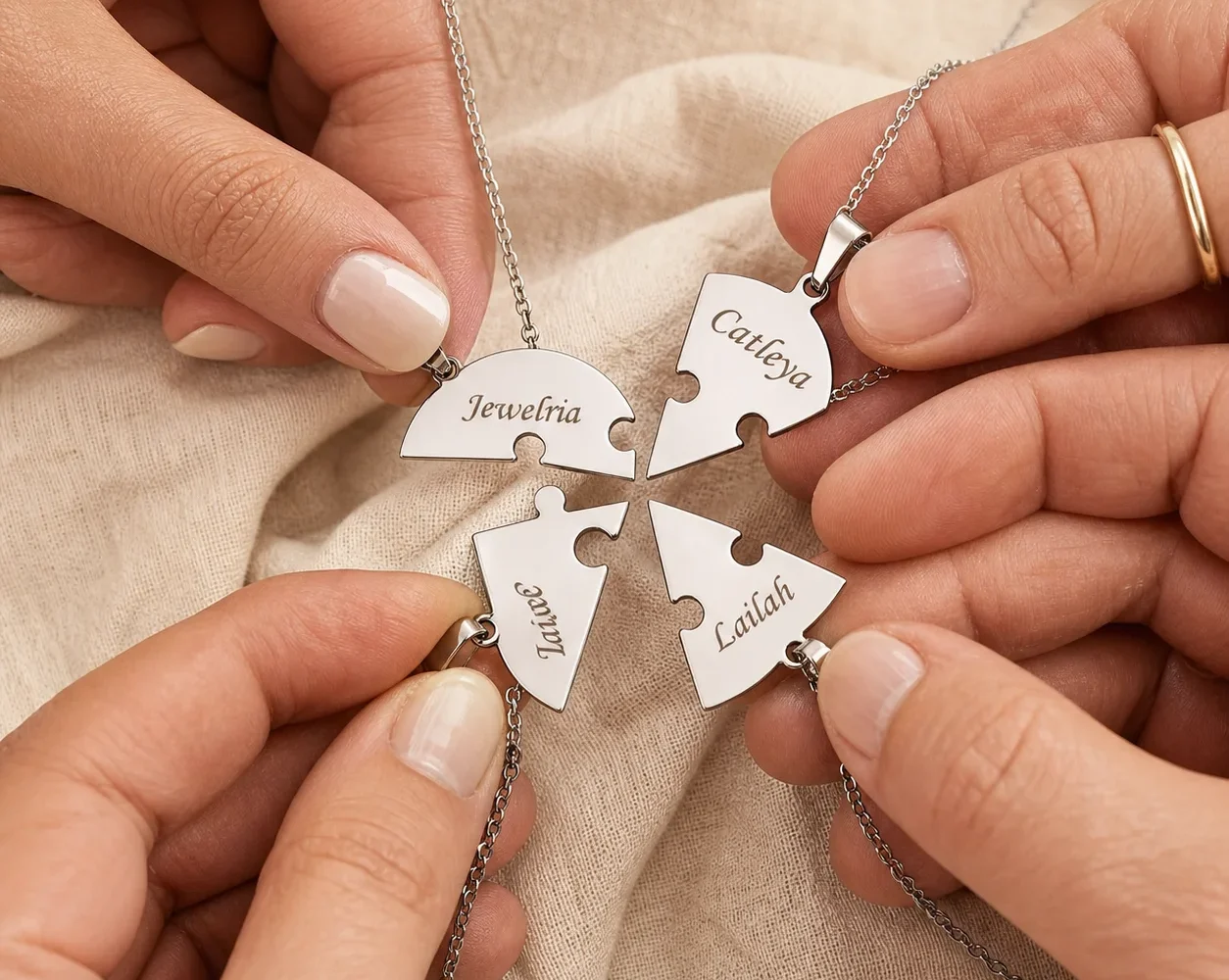
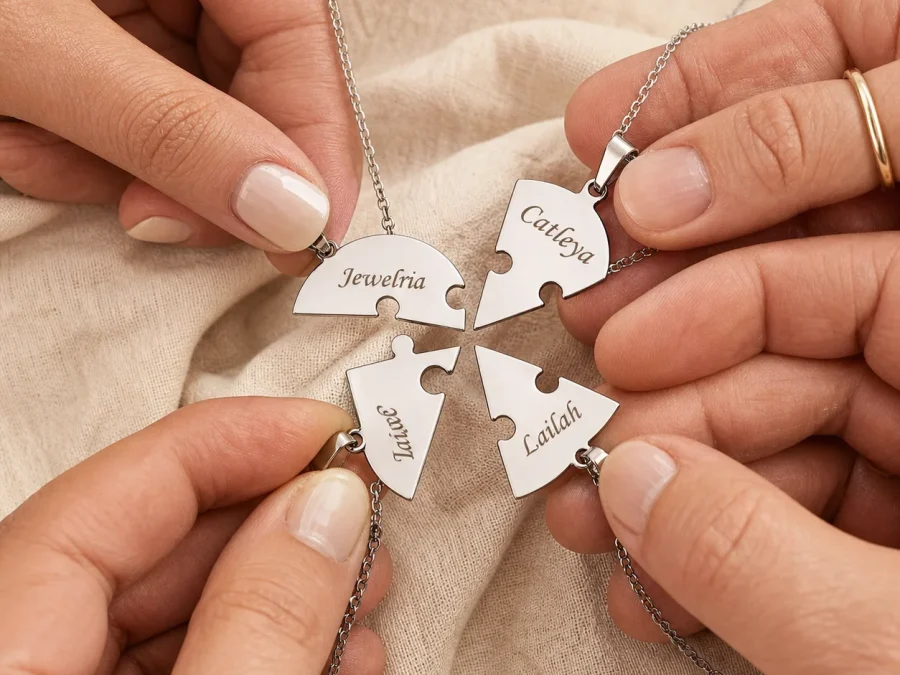
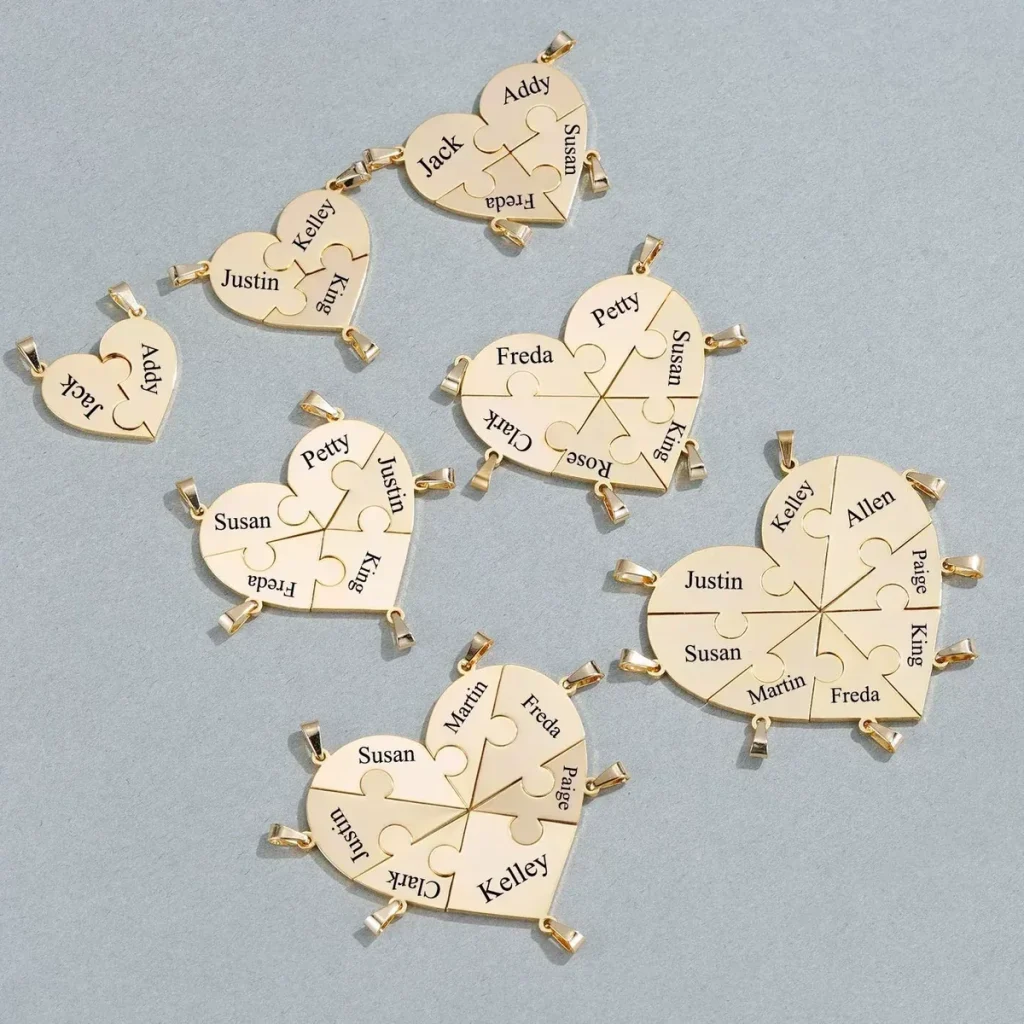
To plan one name per puzzle necklace piece, freeze the configuration you have already selected and create an engraving sheet with one row for each physical piece. Use rows A and B for the selected two-piece set, or rows A, B, and C for the selected three-piece set. Each row needs one confirmed display name, the wearer’s approval, and a character-by-character proofread before the order is submitted.
Freeze the selected configuration before writing names
This task begins after the piece count decision is complete. Record the chosen configuration at the top of the sheet and do not reopen that choice while proofreading text. The selected count tells you exactly how many engraving rows must be completed.
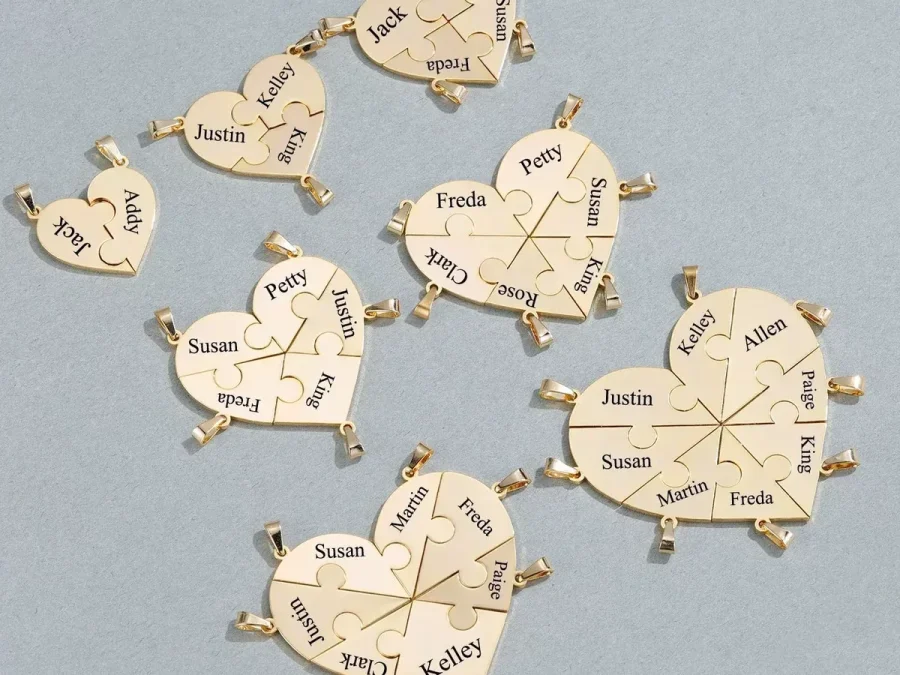
The Together Heart Puzzle Necklace currently supports one engraved name on each separate piece. The form does not invite one long family list on a single segment. A complete sheet therefore has no blank selected rows, no extra names waiting outside the rows, and no combined entry intended to cover more than one piece.
Build the A/B/C engraving sheet
Use a simple document rather than relying on a message thread or memory. Give every selected piece a neutral letter and capture the same four fields for each:
- Piece: A, B, and C only when C belongs to the configuration already selected.
- Confirmed display name: the exact text intended for that physical piece.
- Wearer approval: who confirmed that this visible name is acceptable.
- Proof status: unchecked, checked once, or final.
Keep the rows separate even when two people share a surname or use similar names. Repetition may be correct, but it should be deliberate. If the selected set has only A and B, remove row C rather than leaving it blank; an unused row can look like an omitted entry during the final review.
Confirm the display name with the wearer
A legal name is not automatically the right engraving. Someone may use a short form, preserve a hyphen, include an apostrophe, or prefer another familiar form. Ask for the exact display text whenever possible. Consent matters because the engraving is visible personal information, not merely an internal order label.
Copy the response exactly instead of “correcting” it to a more familiar spelling. If a wearer does not want a name displayed, stop the engraving plan and resolve that preference before checkout. Do not substitute an initial or nickname without approval. The existing engraving guidance can help frame the conversation, but the live product field controls what can be submitted for this design.
Proofread every row from an independent source
Read the sheet one row at a time. Compare the display name with a reliable written source supplied or approved by the wearer, not with memory. Point to every character, including spaces, capitalization, hyphens, and apostrophes. Then read the characters in reverse order; that interrupts the tendency to see the word you expected instead of the text actually written.
A second check should answer four questions for each row:
- Is there exactly one name in the row?
- Does every character match the approved source?
- Has the wearer agreed to this visible form?
- Does the row correspond to one selected physical piece?
Mark a row final only after all four answers are yes. If one changes, clear the final status and proofread the whole row again. Small edits deserve a complete recheck because a corrected letter can introduce a new spacing or punctuation error.
Transfer the sheet into the product fields once
Open the live product form only after the sheet is final. Transfer A, then B, then C when present, following the order displayed on the page. After typing, compare the form back to the sheet rather than comparing the sheet to what you just typed. This direction keeps the approved source in control.
Use the Amorieva personalization process as the final checkpoint: submitted details are used to prepare the made-to-order piece, so accuracy must be established before submission. Save the final sheet with the order record so the spelling can be checked later without reconstructing the decision from memory.
Keep birthstone information out of the engraving sheet
AM-NK-107 has no birthstone or birth-month field. The A/B/C sheet should contain only the piece label, confirmed display name, approval, and proof status. Do not add months, gemstone names, or color instructions in an attempt to create options the product does not offer.
If birth-month accents are essential, pause and compare a different current product through the Amorieva collection. Do not turn the puzzle-necklace notes into a workaround. General questions about supported fields can also be checked on the FAQ before the engraving is submitted.
Common questions
Can I put two names on one puzzle piece?
The current configuration supports one engraved name per piece. Keep one confirmed name in each A/B/C row instead of combining two people into one entry or assuming an unlisted layout.
Can I use a nickname?
Use a nickname only when the wearer approves that exact visible text and it fits the live field instructions. Do not shorten a name simply because the full spelling looks long in your worksheet.
Where should I enter a birth month?
There is no birthstone or month field for this product. Leave those details out of the engraving sheet and choose a different supported design if month representation is required.
A finished engraving plan should be boringly clear: the configuration is already fixed, every selected piece has one row, every row has one approved name, and every character has been checked against a reliable source. That disciplined sheet is what turns personalization from a guess into an auditable order detail.