How to Choose a Birthstone Month From an Actual Birth Date
Turn a confirmed birth date into the correct month field, handle boundary dates clearly, and keep every name paired with the intended simulated birthstone.
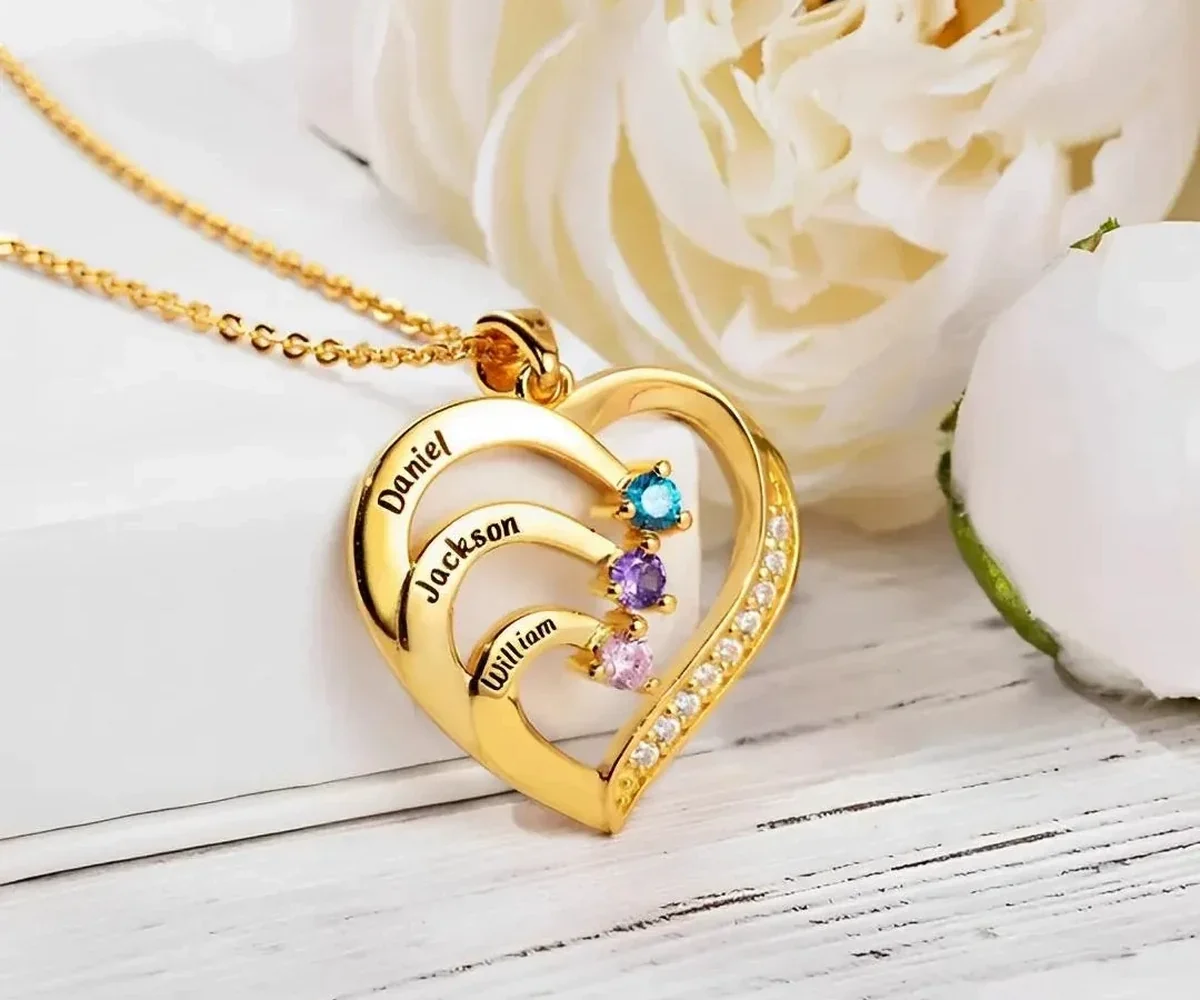
To choose a birthstone month from a birth date, use the calendar month printed in the confirmed date. A person born on March 1 selects March; a person born on March 31 also selects March. Do not apply zodiac date ranges, due dates, seasons, or a guessed color. The month field on personalized jewelry is a January-to-December record, not an astrology calculation.
Reduce the date to one unambiguous field
Write the full birth date in words before entering anything online—for example, “March 31,” not “3/31” in one message and “31/3” in another. Then copy only the month into the product’s birthstone selector. This small conversion is intentionally simple.
The day of the month does not create a boundary exception. The first and last day belong to the same calendar month as every day between them. A year is not normally needed for choosing the month, though it can help distinguish relatives with similar names in your private planning sheet.
If a date was written numerically and the month is ambiguous, return to a source that spells it out. Do not decide whether “4/5” means April 5 or May 4 based on where you think the record originated. Ask the person or a close family source to state the month in words, then preserve that wording on the worksheet.
Birthstone traditions and recognized alternatives can vary by place and era. That variation matters when discussing gem names, but it does not change the calendar month a person was born in. Amorieva’s current personalized selectors use month labels and simulated birthstone or crystal-style accents, so select the verified label shown on the form.
Keep zodiac dates out of the conversion
Zodiac signs span parts of two calendar months. Birthstone selections do not use those date ranges. A late-April birthday remains an April month selection even if an astrology reference associates the date with a sign that extends into May.
This distinction prevents a common category error: one system assigns a month based on the calendar, while the other groups dates into different ranges. If the gift recipient talks about both, record them separately and use only the calendar month in the jewelry month field.
For a practical overview of the conventional month associations, consult Amorieva’s family birthstones by month guide. Use it as context, while treating the current product selector as the source for the exact options available on that design.
Create one row per person before ordering
Multi-person pieces introduce a second risk: the months may all be correct but attached to the wrong names. Prevent that problem with a simple table:
- Position number on the product form.
- Name exactly as it should be engraved.
- Confirmed birth date written with the month in words.
- Month selected from January through December.
- Initials of the person who checked the row, if the gift is coordinated.
Enter and review one complete row at a time. Avoid entering every name first and every month afterward, because that workflow makes an unnoticed shift more likely. Amorieva’s personalization overview is a useful companion when you want to see which details should be prepared before beginning an order.
Apply the method to a six-person design
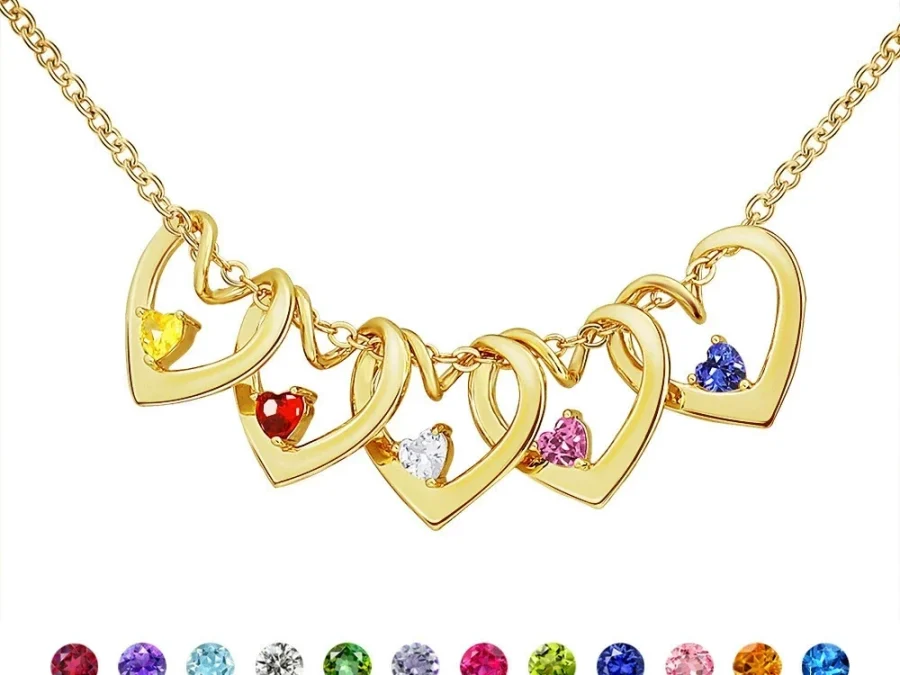
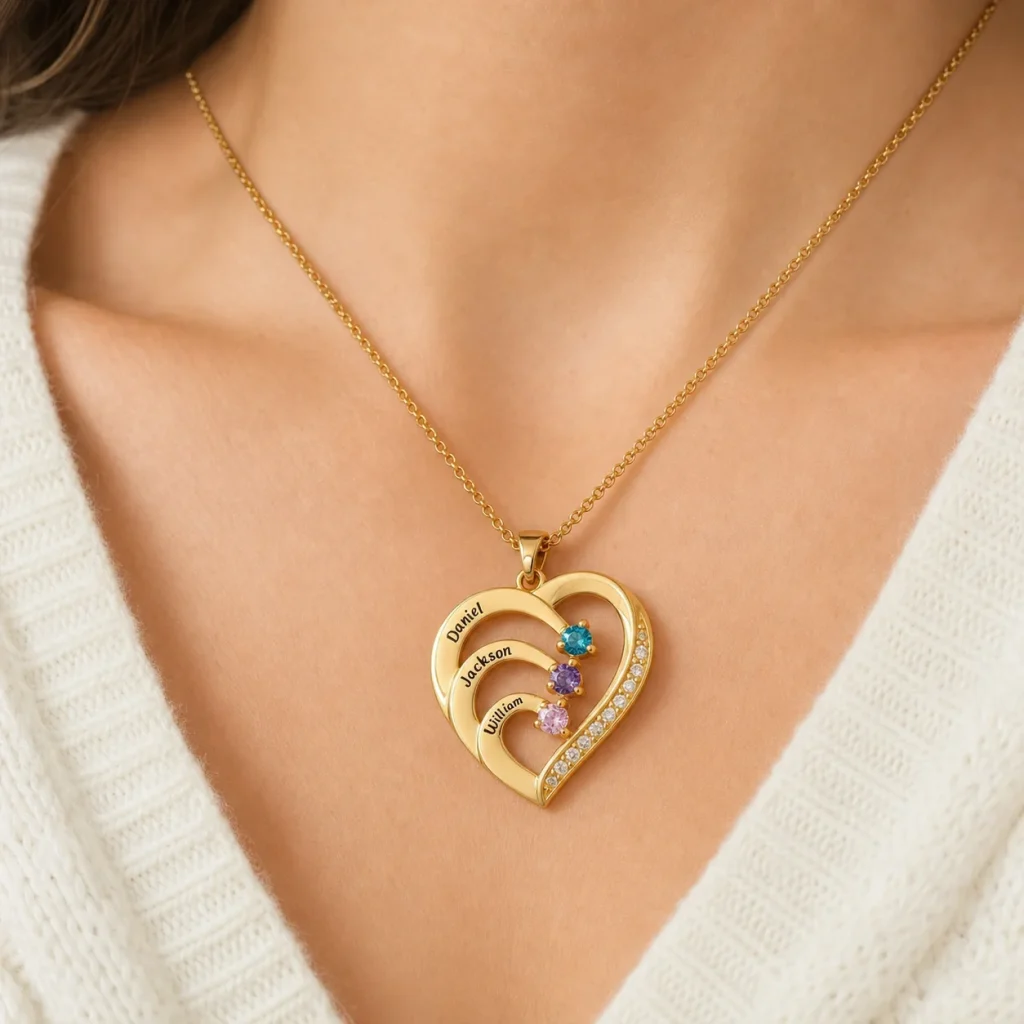
The Family Embrace Heart Necklace currently supports one to six loved ones, with each engraved name paired to a simulated birthstone selection. Its layered layout means sequence is part of the information. A correct set of six months in the wrong order can still tell the wrong story.
Suppose the intended list contains May, January, May, September, July, and February. Repeated May selections are not an error if two people share that birth month. Keep their names and positions distinct rather than changing one month merely to create a wider color range.
Do not use the display color as your final verification. Small accents, image lighting, and screen settings can affect appearance. Read each visible month label back against the written row. If the form or capacity is unclear, check the current Amorieva FAQ before submission.
For a gift planned before a baby arrives, wait for the actual birth date when the month could change. A projected due month is useful for planning but is not the same fact as the recorded birth month. A name-only option can preserve the occasion when waiting is not practical.
Common questions
What month should I choose for a birthday on the last day of a month?
Choose that calendar month. A birthday on April 30 uses April, just as April 1 does. There is no separate birthstone boundary based on the day within the month.
What if the due date and birth date are in different months?
Use the confirmed actual birth date unless the recipient has explicitly requested another symbolic choice. A due date is an estimate and should not replace the person’s recorded calendar birth month.
Can two relatives use the same month accent?
Yes. Shared months are normal. Select the same month for both people and rely on the engraved names and ordered positions to keep each family member clearly represented.
Make the month choice a record, not a guess
The reliable process is short: confirm the date, write the month in words, pair it with one name, and copy that month into the matching field. Repeat row by row and review the order. By keeping zodiac ranges and sampled colors outside the decision, you turn a potentially confusing birthstone choice into a clean, auditable family record.