Why Birthstone Colors Can Look Different on a Screen
Understand why small birthstone accents can shift across photos and screens, and use month labels, image types, and scale references to choose accurately.

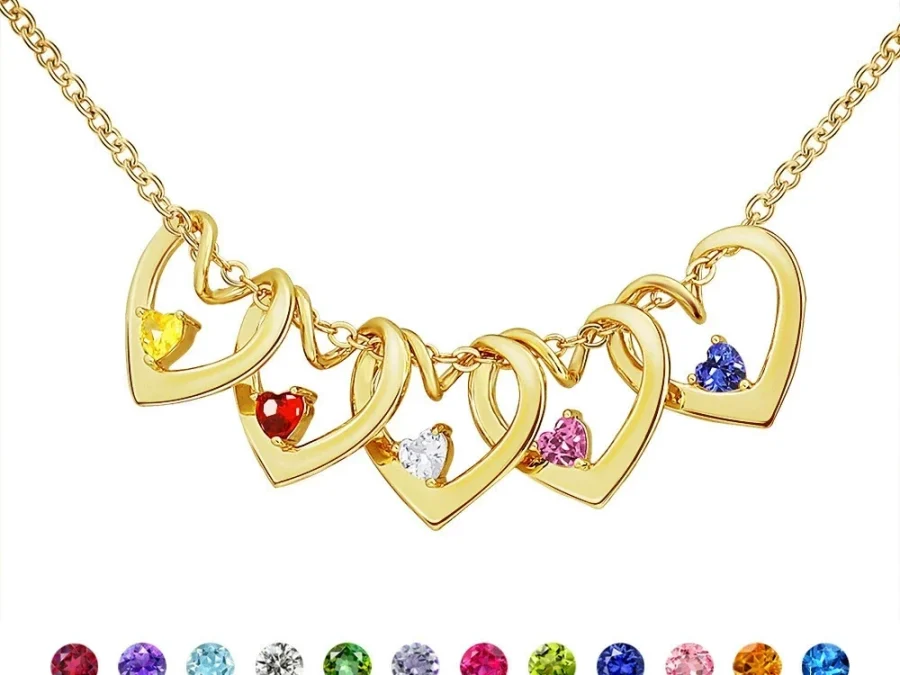
Birthstone colors can look different online because a small accent passes through lighting, camera settings, image editing, file compression, and your display before you see it. Surrounding metal and neighboring colors can shift perception too. Choose the verified birth month from the product label rather than trying to match a sampled screen color exactly, and use different image types to understand structure and scale.
A product photo is a rendered view, not the object itself
Light affects how a reflective surface appears. Daylight, warm indoor bulbs, cool studio lighting, and shadows can make the same colored accent look lighter, deeper, warmer, or cooler. A camera then records that light through its own exposure and white-balance decisions. Image processing and compression prepare the photograph for the web.
Your device adds another layer. Brightness, color profile, viewing angle, night mode, and display quality can all change the image. Two phones placed side by side may not show an identical shade. This does not prove that either photo or product is defective; it explains why an exact digital color match should not be assumed.
Small reflective accents exaggerate the difference
A simulated birthstone accent occupies only a small part of a personalized design. In a close-up, it may fill enough pixels to show a strong hue and bright reflections. At normal wearing distance, the same accent can read as a smaller point of color surrounded by metal, engraving, skin, and clothing.
Use enlarged images to inspect the number and arrangement of accents. Use model-scale images to understand their general visual presence. Neither should be treated as a calibrated physical swatch. The Amorieva FAQ is the appropriate next reference if a particular color question would determine whether you order.
Surrounding tones and colors change perception
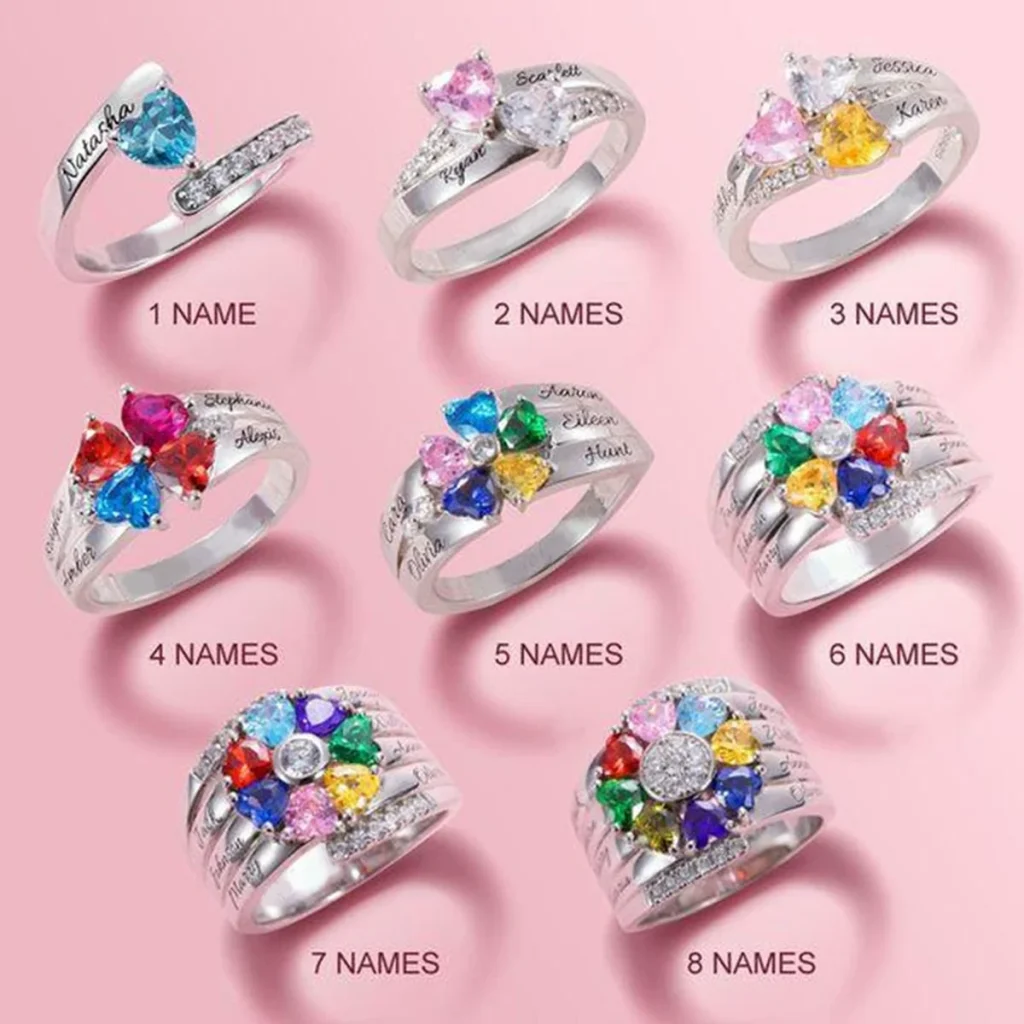
A colored accent does not appear in isolation. A warmer metal tone can make some colors feel more blended and others more contrasted. A cooler-looking frame can change that relationship. Within a multi-stone cluster, two neighboring colors can also make one another appear more or less intense.
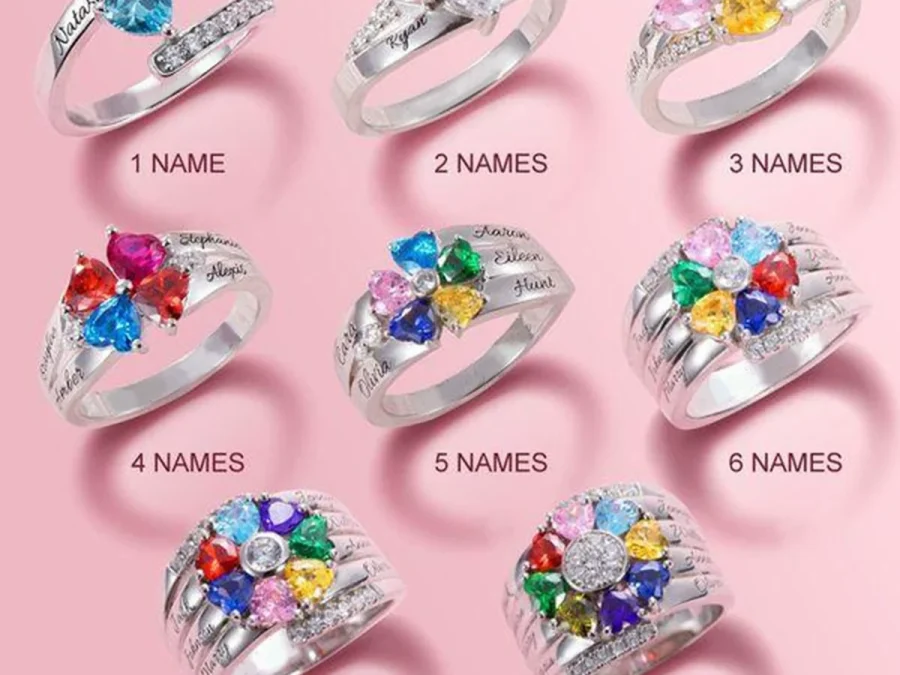
The Family Constellation Name Ring supports one to eight simulated birthstone accents with name or short engraving in current US sizes 6 through 10. As the number of accents changes, the visual balance and neighboring-color relationships can change too. The ring does not currently show a three-tone finish selector, so do not transfer tone options from another product into this comparison.
Repeated birth months may produce repeated colors, and that is accurate. Names and positions carry the identity of each person when a small color is difficult to distinguish on screen.
Use a label-first selection method
Begin with the actual month, not a color description. The family birthstone month guide can help you confirm customary month associations, while the selected product page provides the available month labels. Keep natural-gem traditions separate from Amorieva’s simulated birthstone accents.
Then use this review:
- Write every person’s approved name and birth month.
- Select the month label for each person in the same order.
- Use an option image to review count and arrangement.
- Use a worn or contextual image for approximate visual scale.
- Check the final entries by label, not by comparing pixel colors.
If color precision is more important than the month meaning, consider whether a birthstone-led design is the right choice. A name-led option in the current collection may fit the recipient better.
Know when a difference deserves a question
Normal display variation is different from an unclear product selection. Ask before ordering if two month labels appear indistinguishable and the names or positions do not resolve the choice, or if the page’s written option and image seem to conflict. Do not guess based on a screenshot from another retailer or a different product.
After delivery, view the piece in ordinary neutral light before comparing it with a bright close-up on a phone. If an order appears damaged, incorrect, or inconsistent with the confirmed details, follow the current support and policy process rather than treating every expected screen difference as an error.
Common questions
Can I use my phone’s color picker to identify the month?
That is unreliable. A picked value reflects the particular photo, editing, compression, and display—not a fixed physical specification. Use the written month label and the name-position map.
Why does the same accent look darker in a lifestyle image?
Lifestyle and editorial scenes use different light, backgrounds, distance, and exposure than option guides. Use the scene for context and the guide for configuration, while allowing both to vary from the physical object.
Does a screen difference mean the wrong birthstone was used?
Not by itself. First compare the confirmed month selection and the position of the accent. If the delivered configuration appears inconsistent with the order record, document it clearly and contact support.
Set an expectation the screen can support
Online images can communicate layout, option differences, and approximate appearance, but they cannot make every display reproduce a small reflective color identically. Anchor the choice to the correct month label, verify names and positions, and compare several image types for useful context. That method preserves the family meaning even when pixels vary.