How to Read Personalized Jewelry Photos Before You Choose
Learn which jewelry photos help with scale, option layout, and styling—and which images provide atmosphere rather than evidence about an order.
To read jewelry product photos well, first identify what kind of image you are viewing. A worn view can suggest everyday scale, an option guide can compare configurations, a detail image can reveal the design’s structure, and an editorial scene can show styling mood. No single photo should be asked to prove dimensions, materials, final engraving, exact color, and real-life fit all at once.
Assign one job to each image
Before evaluating the piece, label each image in plain language: product detail, worn view, option guide, size reference, or editorial scene. Then write the one question that image can reasonably help answer. This simple step prevents an attractive setting from becoming accidental evidence for facts it does not show.
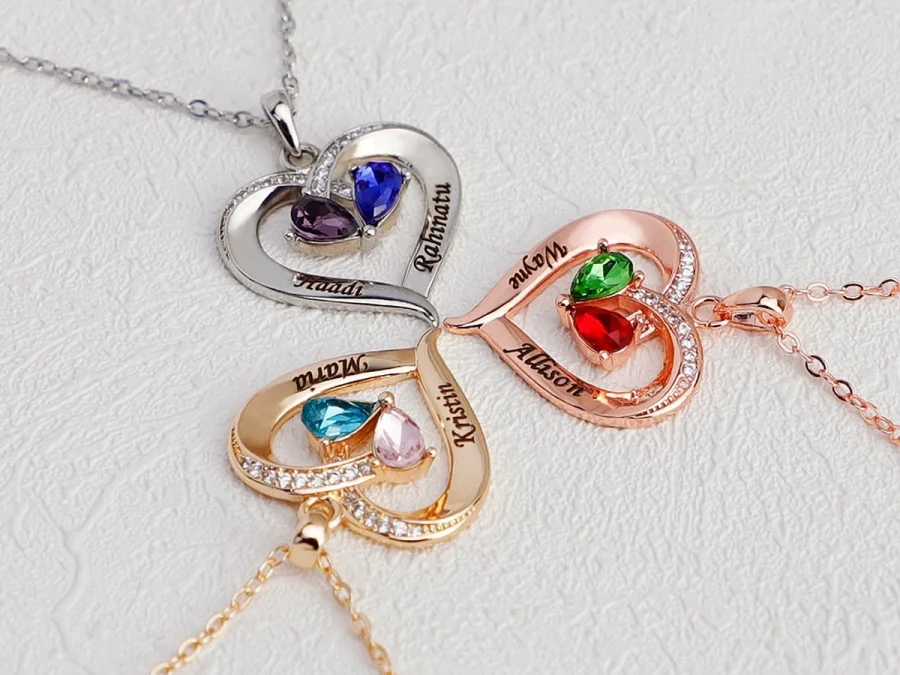
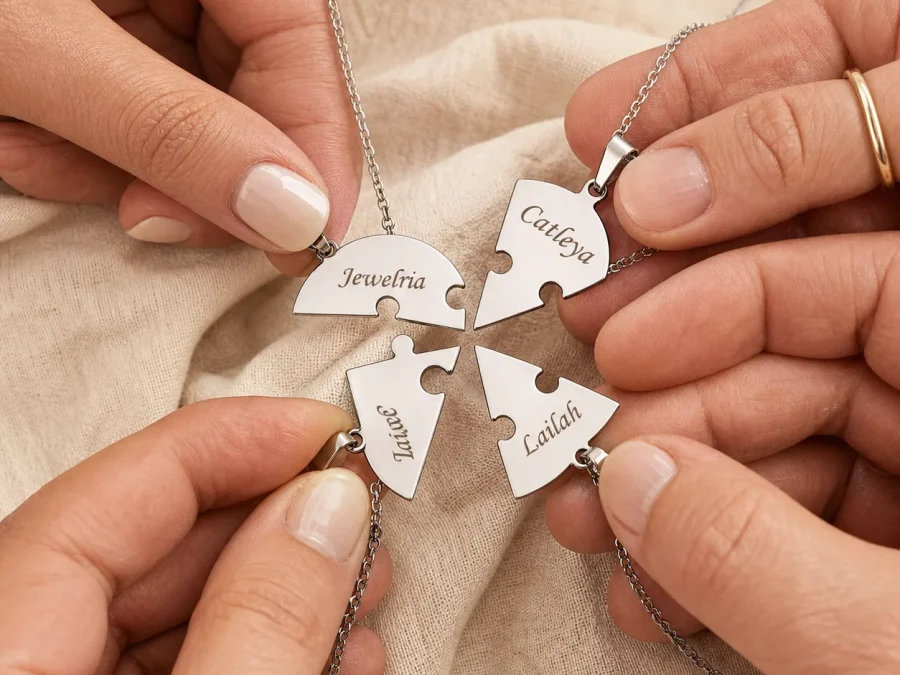
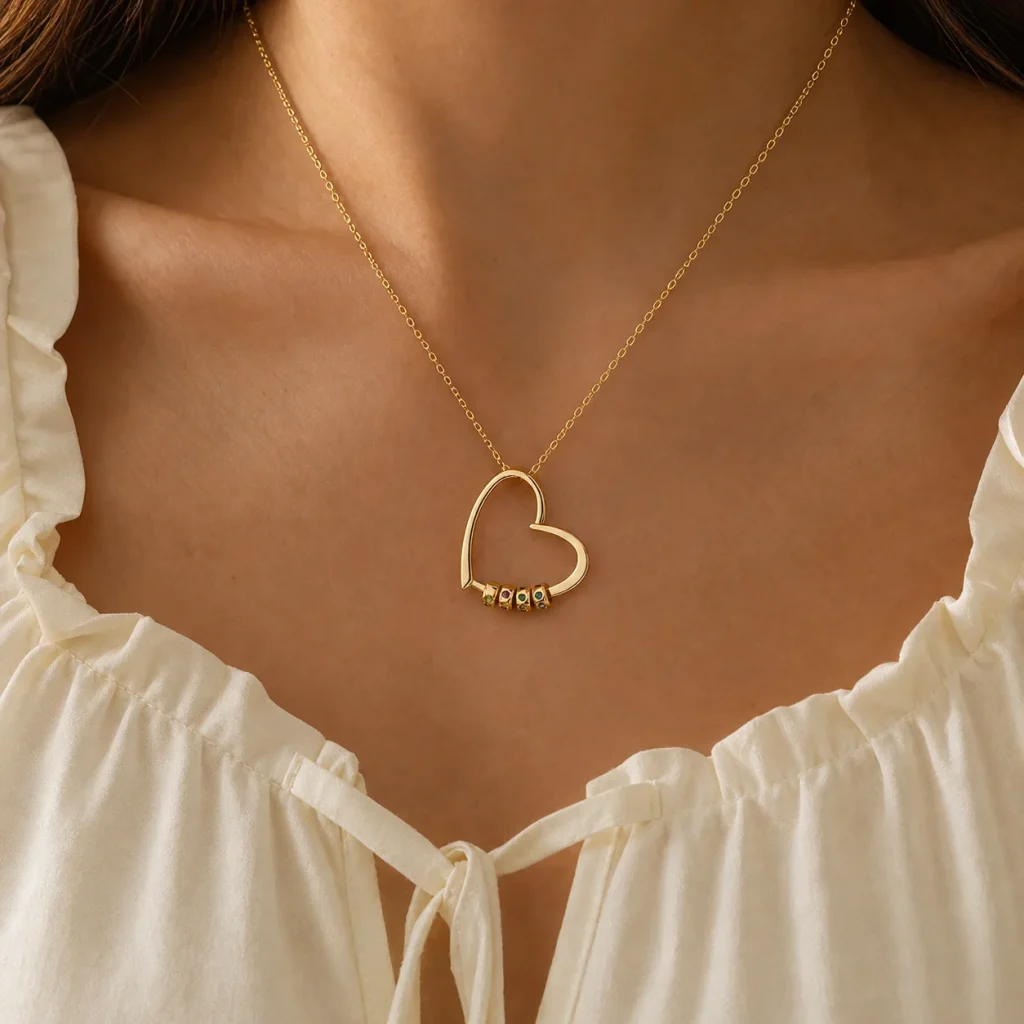
A clean product or detail view is useful for seeing the overall silhouette and where engraved or colored elements appear. A worn view adds context around the neck, wrist, or hand. A guide image can show how a selector changes the number of beads or pieces. An editorial scene expresses a possible styling context, but it does not document an actual order, package, or wearer’s experience.
Use the Amorieva shop to compare how the same image roles appear across necklaces, wrist pieces, rings, and separate-piece designs. Look for consistency between the image set, the written product name, and the available personalization fields.
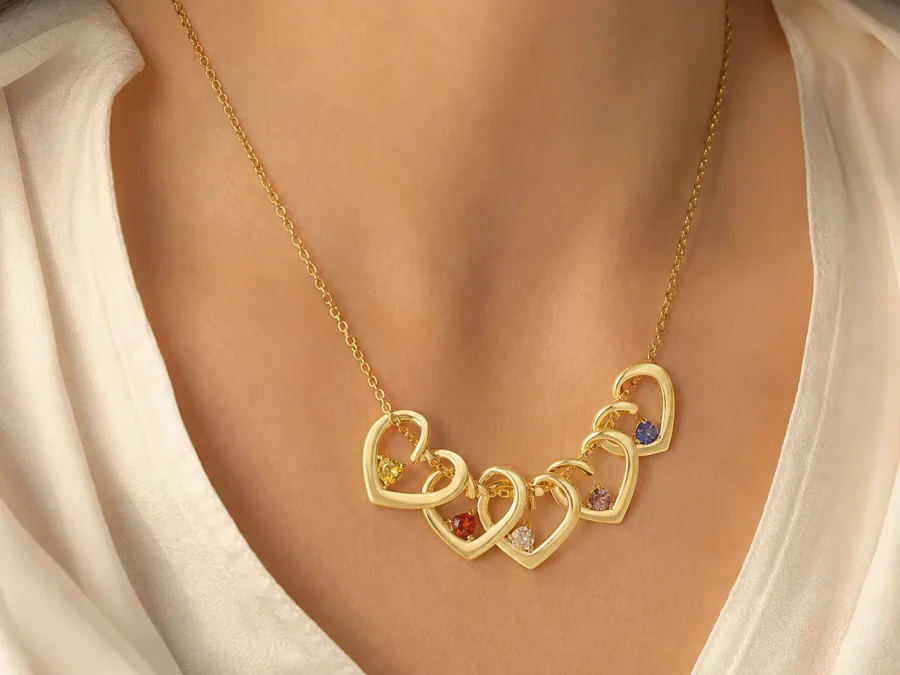
Use a worn view for proportion, not a measurement
A model image can help you decide whether the piece reads as compact, prominent, layered, or close to the neckline. It also shows how the silhouette interacts with skin, clothing, and nearby jewelry. That is valuable visual context, but bodies differ. Camera distance, pose, clothing, and image cropping can change the impression of size.
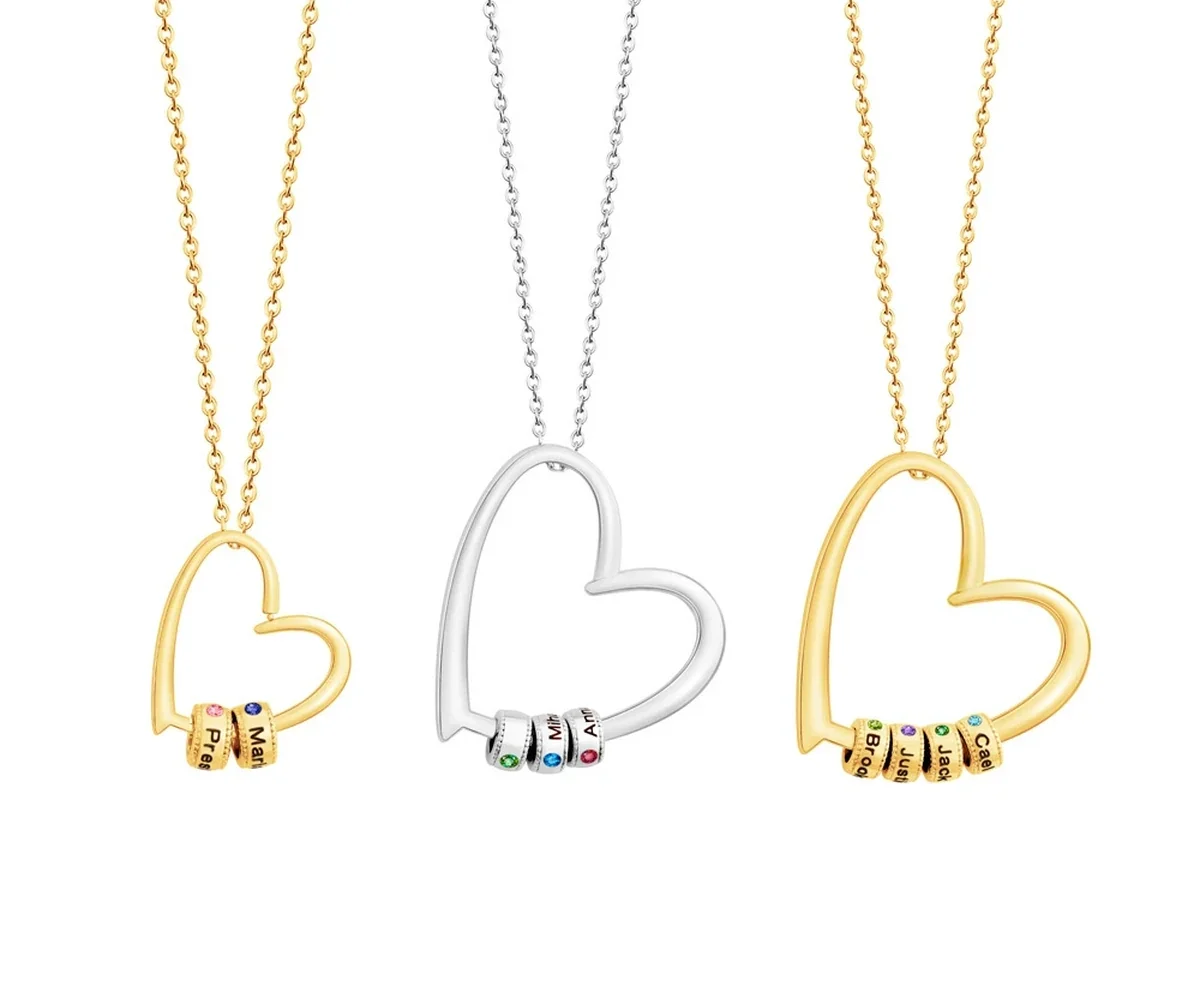
Confirm scale with the written specifications. The Gathered Hearts Name Necklace, for example, offers a Petite pendant recorded at about 22 mm for one to four beads and a Classic pendant recorded at about 33 mm for five to eight beads. The current Classic configuration is documented with a chain of about 44 cm plus a 5 cm extender. Those figures are more dependable for comparison than measuring pixels on a screen.
Review the current choices on the Gathered Hearts Name Necklace page. Its options include one to eight engraved name beads, three tone labels, and polished or crystal-accent bead styles. It does not currently provide a birth-month field for each bead.
Use option guides to understand configuration
An option guide should answer structural questions: Where does each name go? How does the pendant change when the bead count increases? Which tone examples are shown? Use it to build a map between the form and the visible parts of the design.
Do not assume that every arrangement displayed in a guide is a preview of your exact spelling. Names vary in length, and the final result depends on the current field instructions and production process. Treat sample engraving as a location marker. Your job is to verify the approved name, order, pendant size, accent style, and tone in the actual form.
For a larger family, count the names before deciding which example looks most appealing. Amorieva’s guide to choosing how many names belong on a family necklace helps separate inclusion decisions from visual capacity.
Read editorial scenes as styling ideas
An editorial image can help you imagine whether a necklace feels appropriate with a casual blouse, a family gathering, or a quiet everyday setting. It is creative context. It should not be used to infer the exact pendant size, finish color, packaging, delivery condition, or satisfaction of a real buyer.
Ask “What mood does this suggest?” rather than “What does this prove?” If you like the mood, return to the product details and check whether the current design actually offers the count, format, tone, and accent shown or described. When an editorial picture and a selector seem to conflict, the current product form and documented specifications control the order.
Complete a four-image review sheet
For any shortlisted piece, make four short notes:
- Silhouette: What shape and visible personalized parts appear in the cleanest product view?
- Scale: What does the worn image suggest, and what do the written millimeter and chain measurements state?
- Configuration: Which current options determine names, count, size, tone, or accents?
- Mood: Which styling idea comes from the editorial scene, and which factual questions remain unanswered?
Finish by reading the page from title through selectors. The current FAQ can clarify general personalization and material language, but the exact product page remains the authority for that design.
Common questions
Can I judge necklace length from a model photo?
You can estimate the visual effect, but not an exact wearing position. Compare the written chain and extender measurements with a necklace the recipient already owns, and account for different necklines, body proportions, and layering.
Why can the same tone look different between images?
Lighting, background colors, camera settings, editing, and screen displays can shift the appearance. Use the image set for broad comparison, select by the named tone option, and do not expect a sampled screen color to act as an exact standard.
Does sample engraving show how every name will look?
No. It shows placement and general design intent. Enter the exact approved spelling, follow the current field guidance, and ask about uncertain characters or unusually long names before placing an order.
Build the decision from several kinds of evidence
A careful online choice comes from combining images rather than trusting the most persuasive one. Use details for structure, worn views for proportion, guides for configuration, editorial scenes for mood, and written specifications for measurements and materials. That division of labor makes product photography more useful and keeps the final decision tied to the options you can actually order.